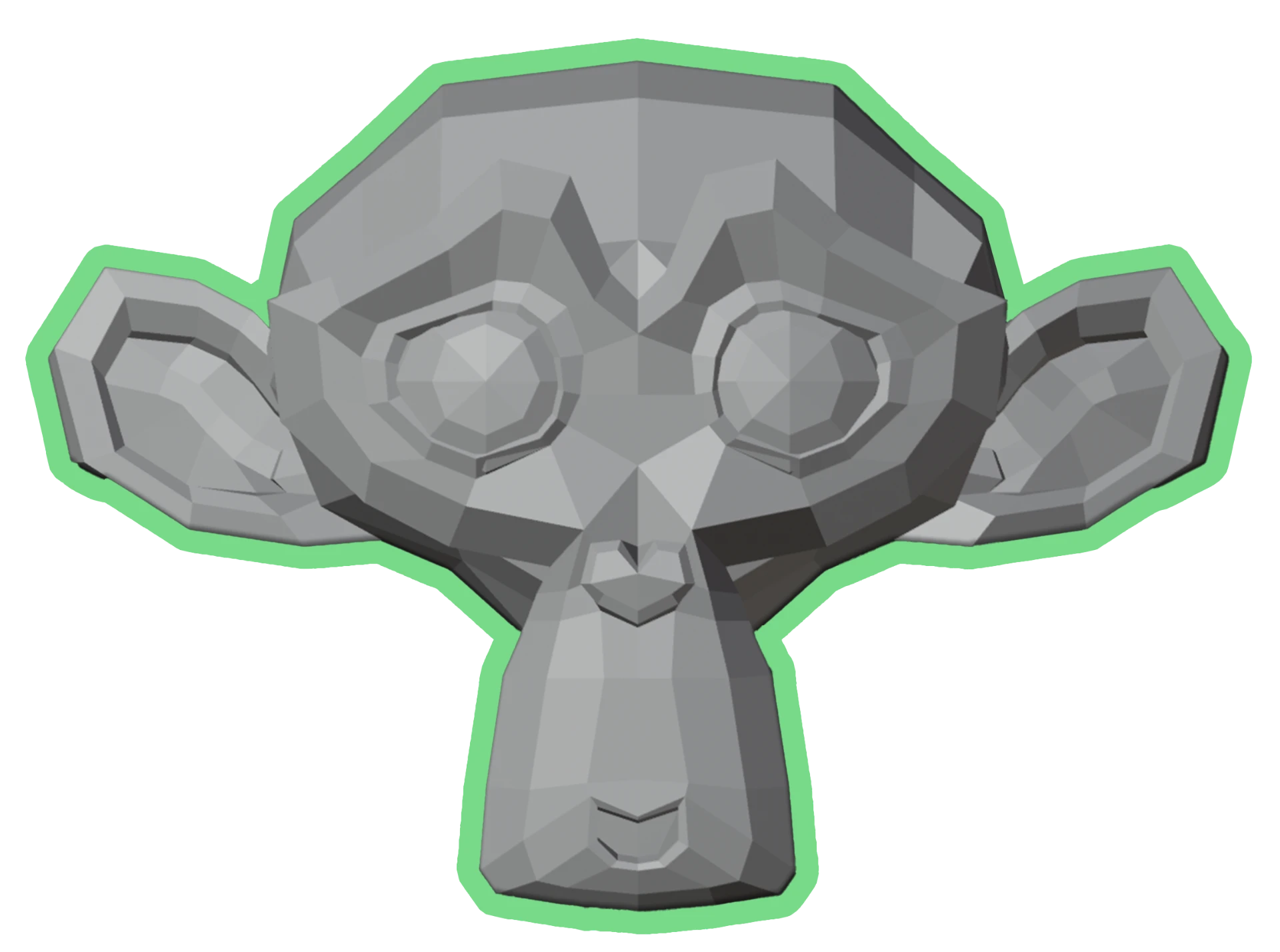
Our first course
Learn Blender in 14 days, even if you start from zero.
Model your first 3D robot, understand the fundamentals of modeling, materials, lighting and rendering with a clear and motivating step-by-step course.
Launch offer
Payment in 1 or 2 installments available.
- 19 step-by-step videos (4h25 of content)
- Downloadable project files
- Quizzes and exercises
- Email support when you get stuck
- Lifetime access + future updates
- 30-day money-back guarantee
What you'll be able to do
Each module unlocks a concrete skill. By the end of the course you will have produced a finished, rigged, animated and rendered 3D robot.
A peek inside the course
Real screenshots from the lessons - here's what you'll actually be doing, step by step, inside Blender.
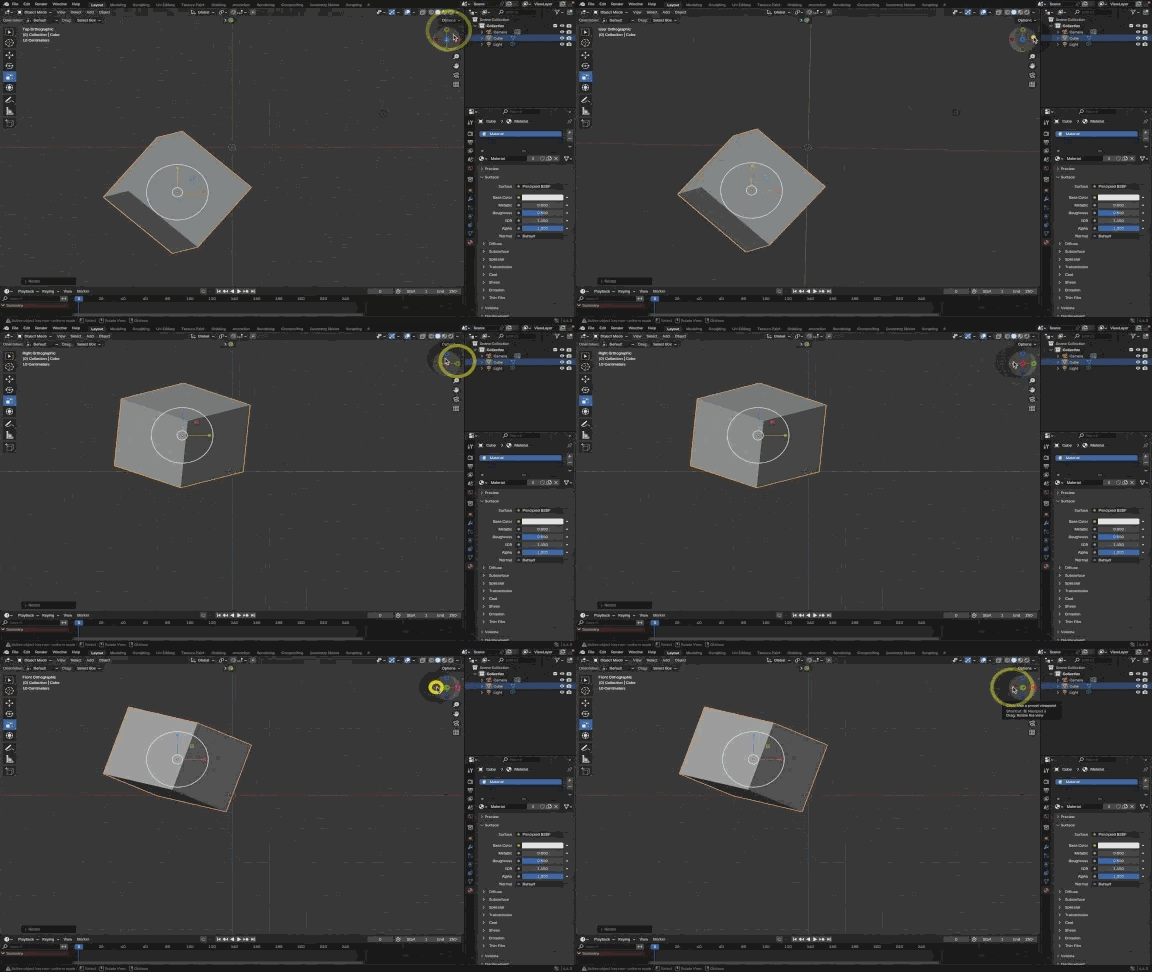
Master the interface
Get comfortable with Blender's viewport, shortcuts and the basics of modeling.
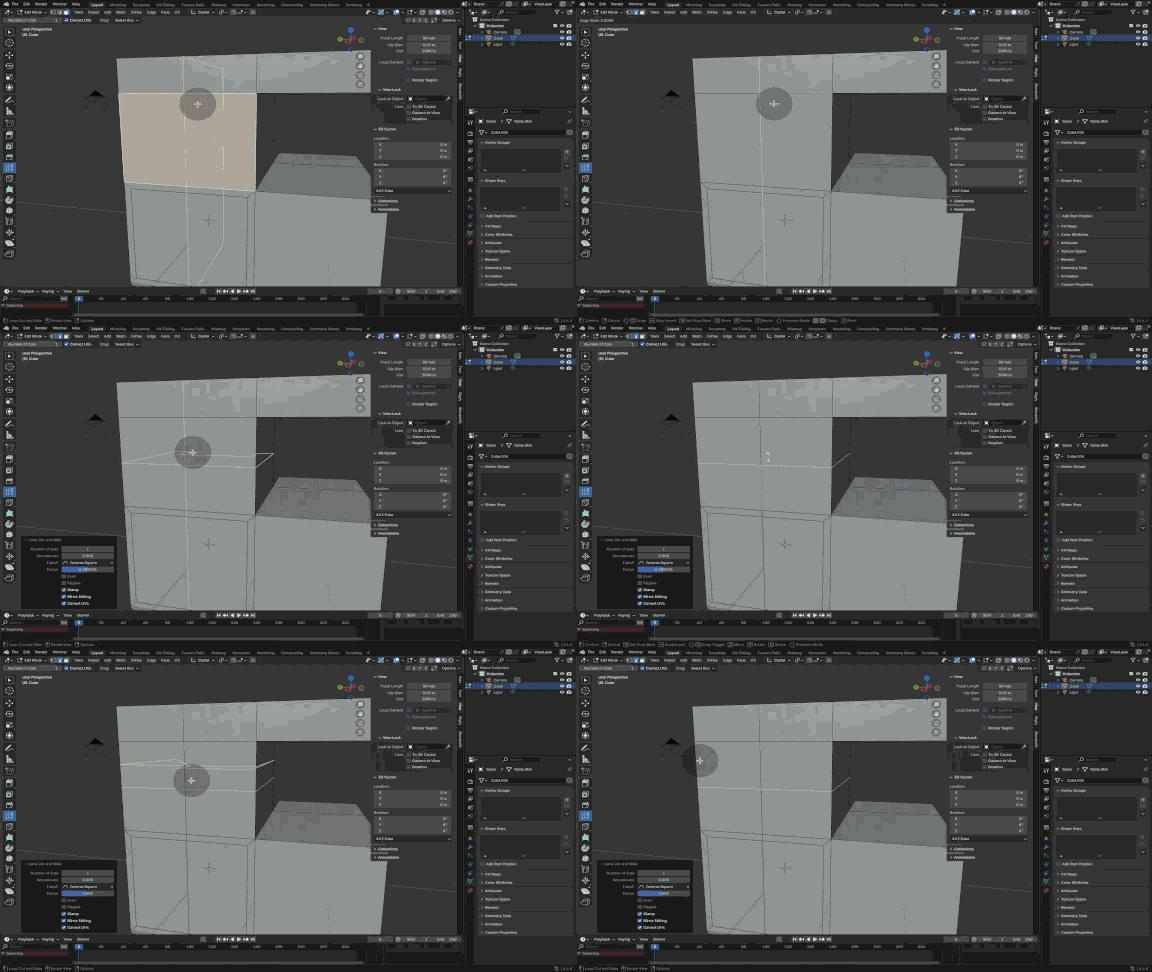
Edit Mode & topology
Build clean geometry, work with vertices, edges and faces like a pro.
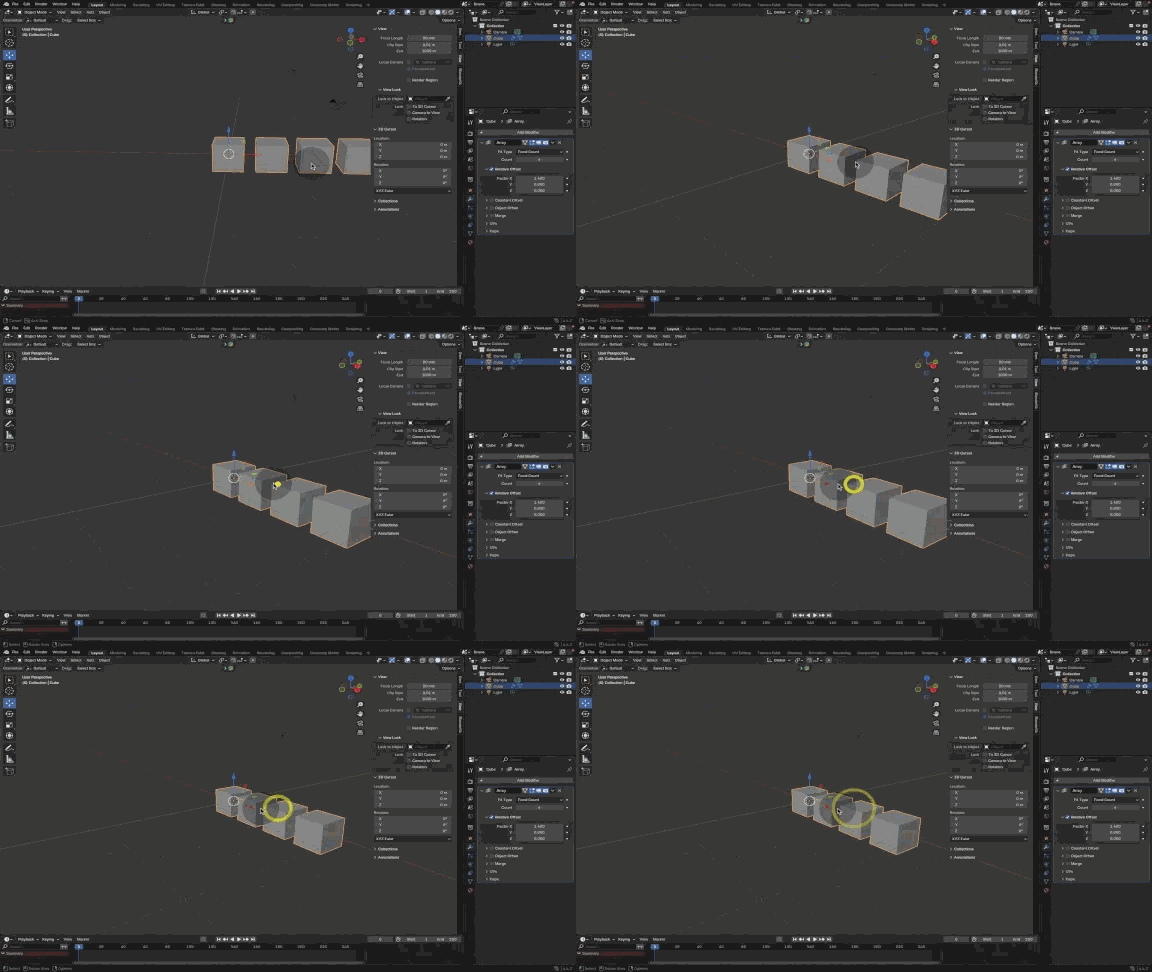
Modifiers
Use the Array, Mirror and Subdivision modifiers to model faster and smarter.
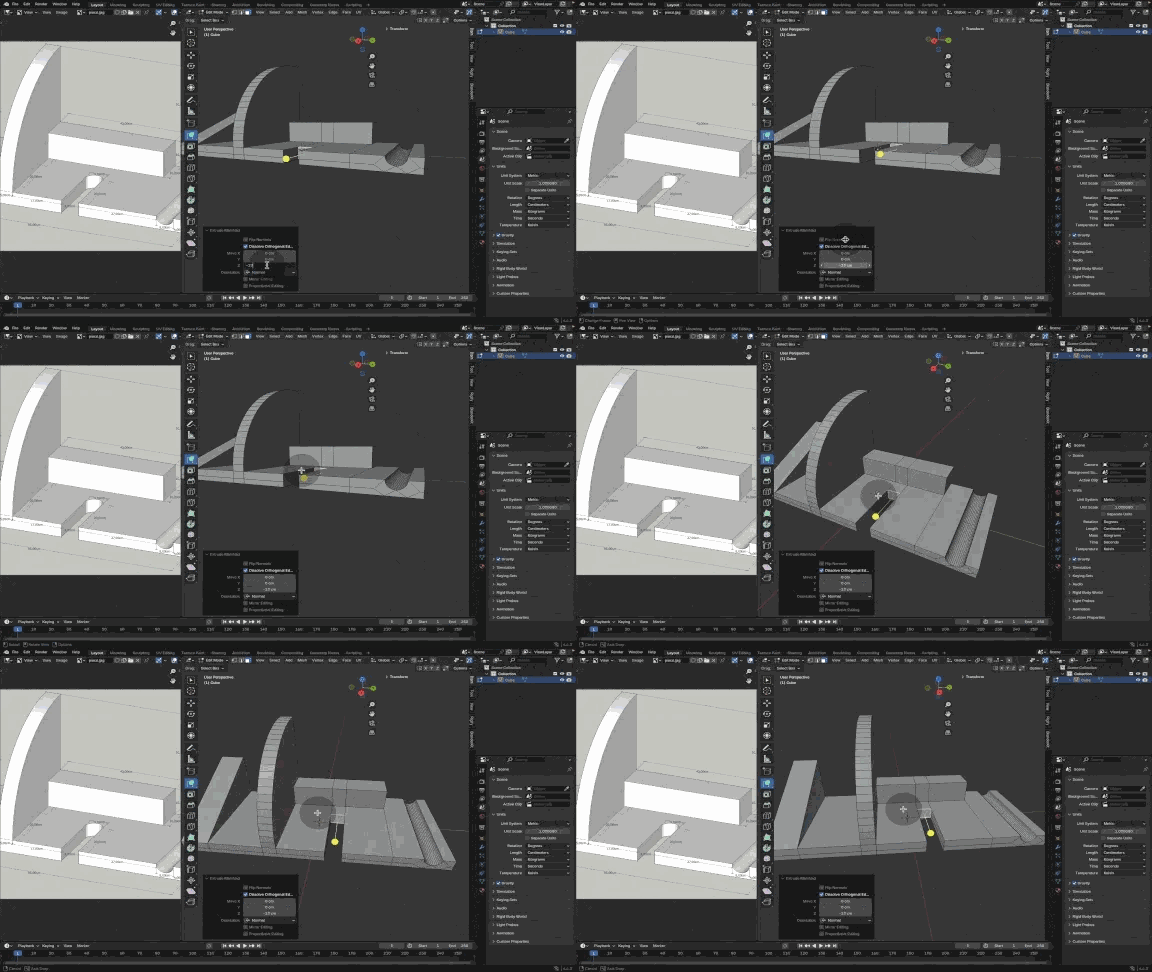
Blockout your scene
Lay out the robot with simple primitives before adding any detail.
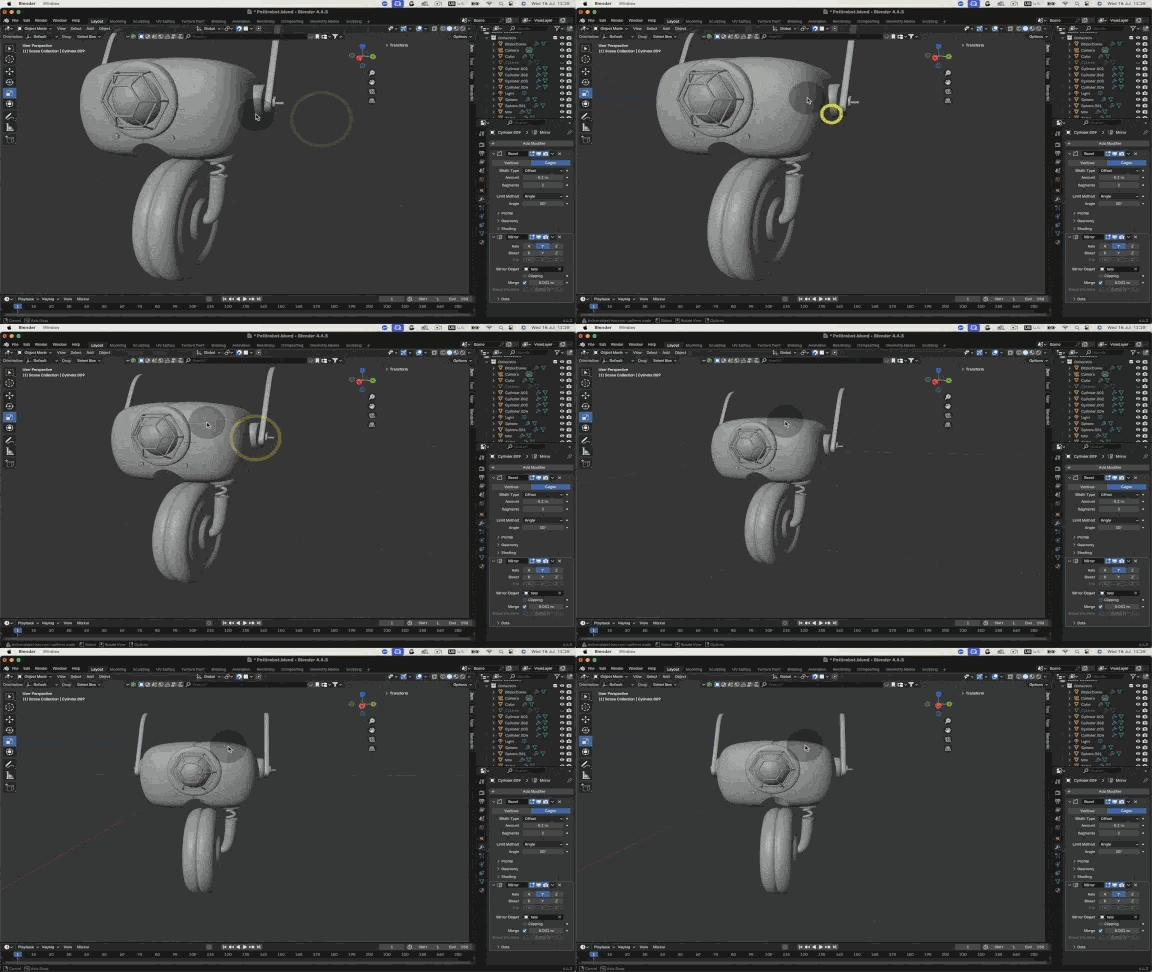
Advanced modeling
Refine the robot with bevels, creases and high-poly detailing.
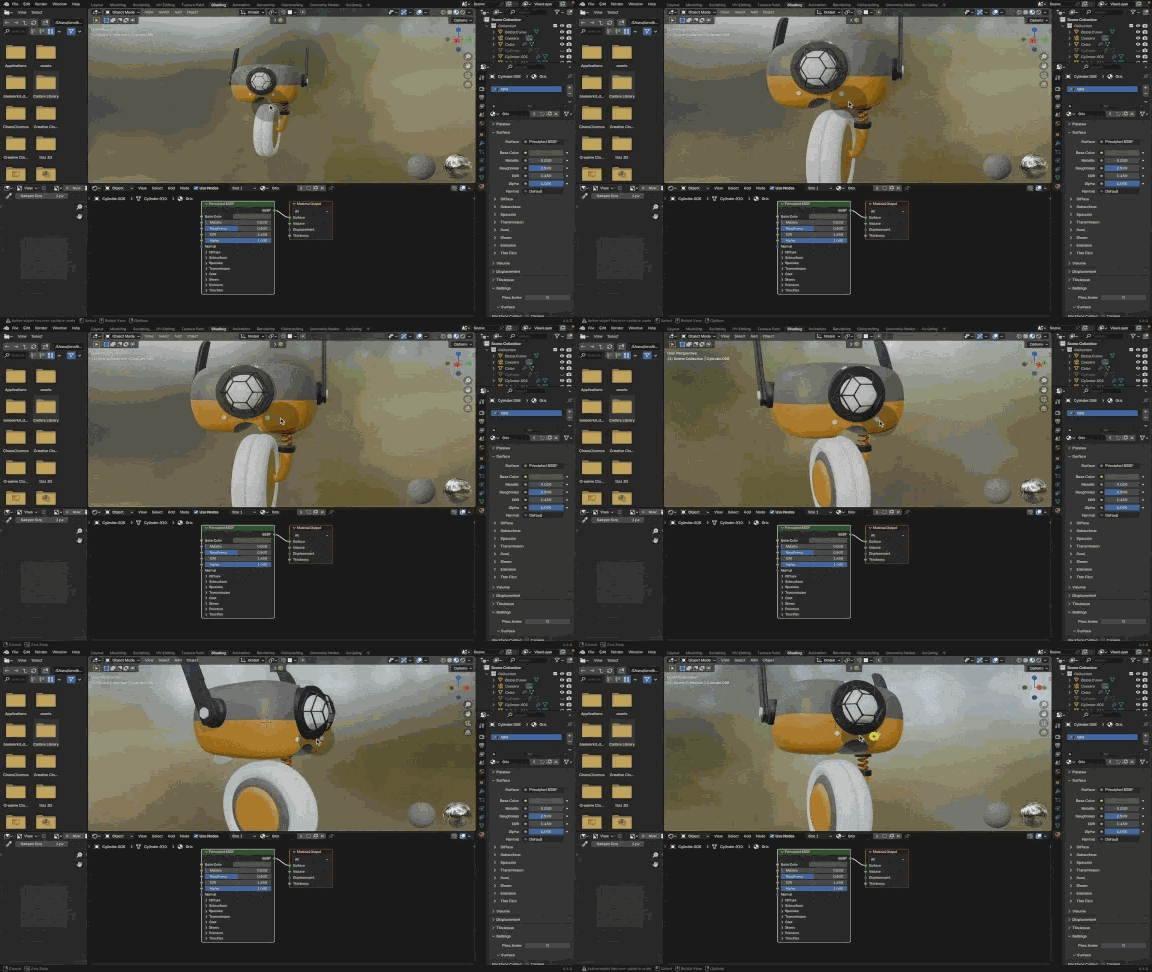
Materials & shaders
Build PBR materials with the Principled BSDF and import textures.
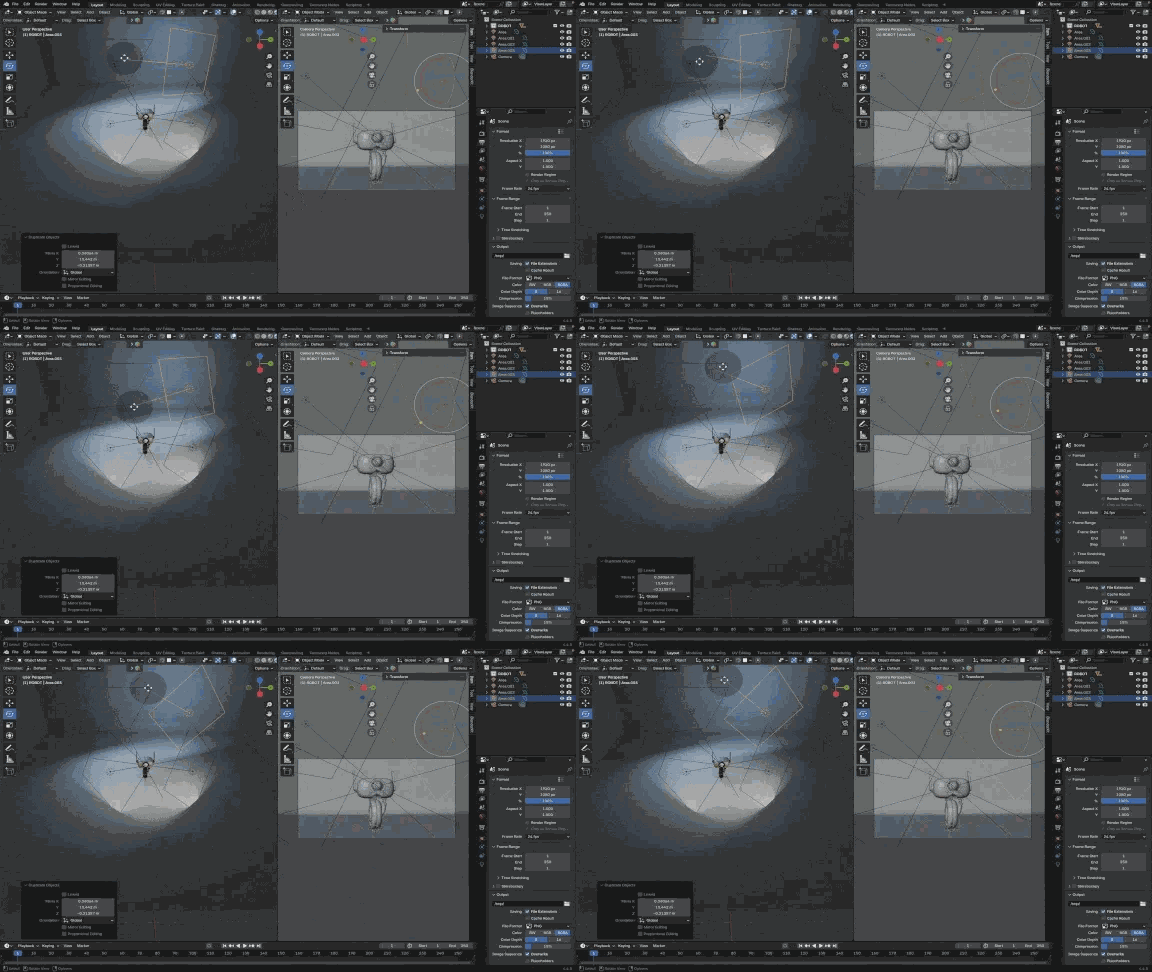
Lighting & cameras
Set up cinematic lighting and frame your render like a real studio shot.
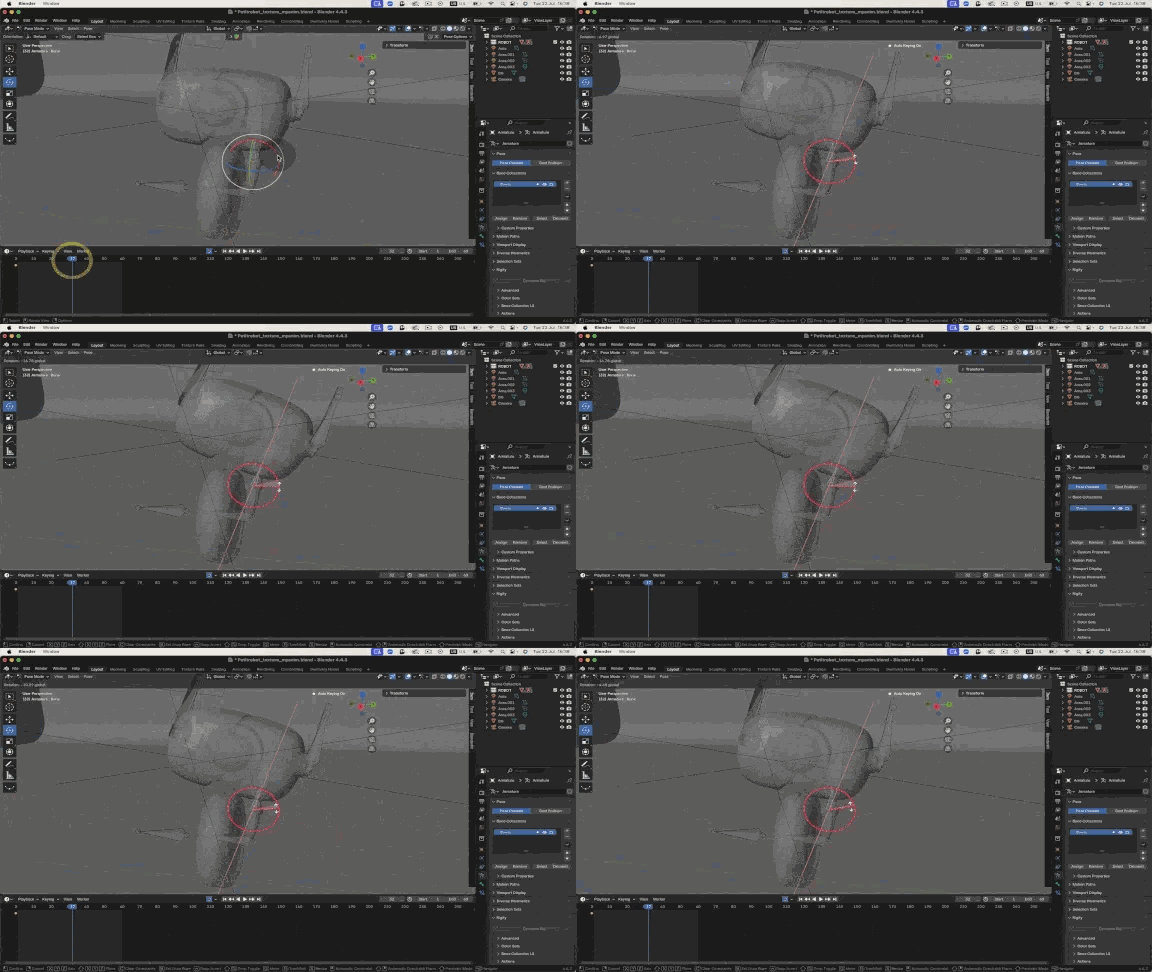
Rigging
Add bones, weight paint and pose your robot for the final render.
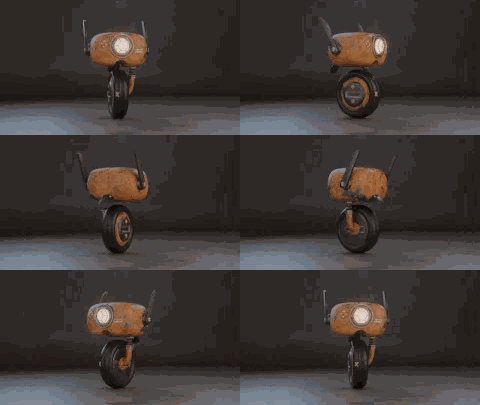
Final render
Compose, render and export a polished hero image of your robot.
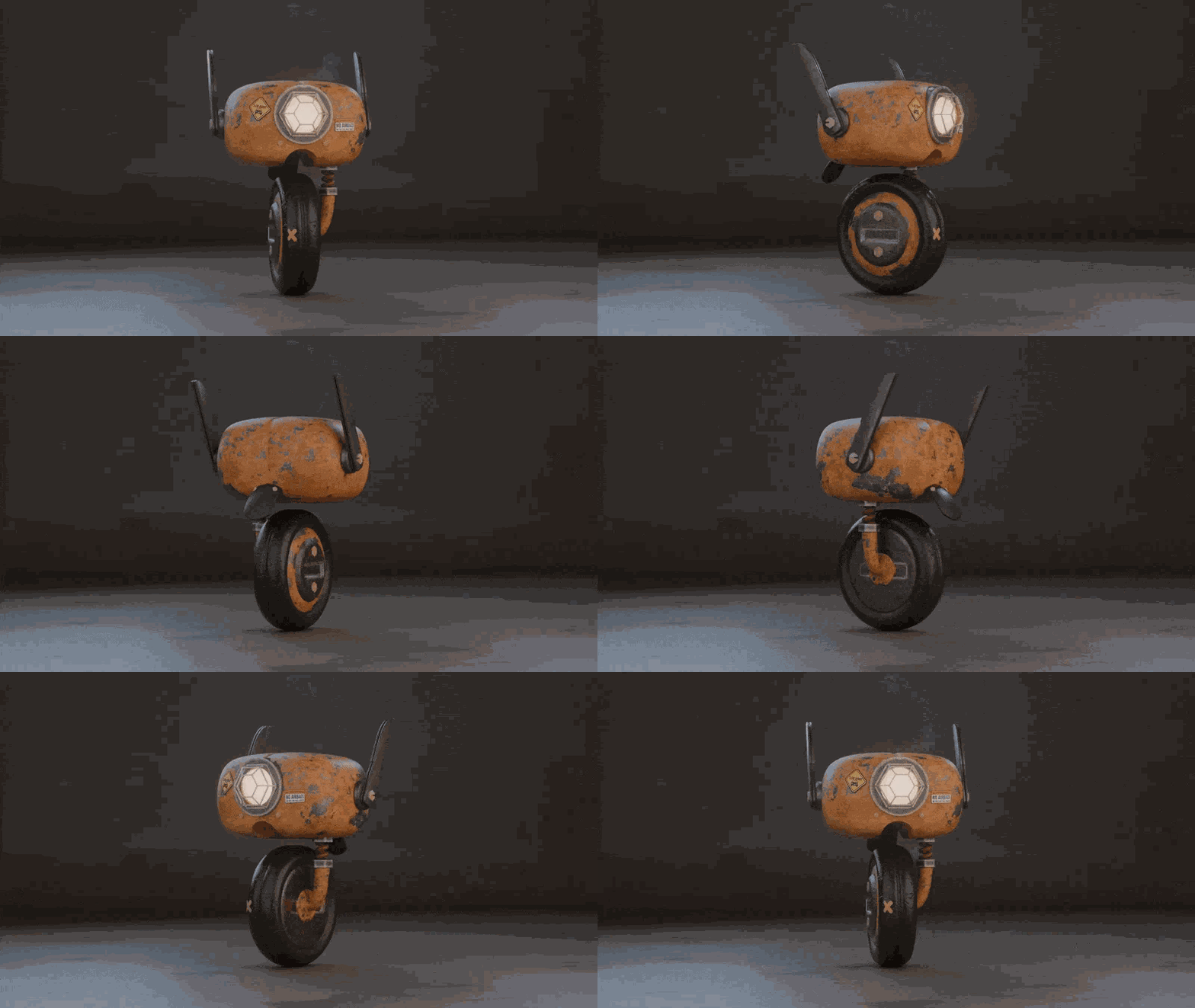
This is what you'll build
A fully modeled, textured, rigged and rendered 3D robot - ready for your portfolio.
About the course
What's waiting for me?
An immersive, guided tour of Blender. You'll learn modeling, texturing, animation, lighting and rendering, even starting from absolute zero. The course is built for real progression with quizzes, practical exercises, video corrections and email support so you never stay stuck.
Who can take it?
Anyone. Whether you are a complete beginner, a self-taught artist, an art student, a working designer or a retiree, the course holds your hand step by step. No previous Blender experience required.
How is it structured?
19 videos, clear and to the point, with a quiz, exercises, personal feedback, project files and email follow-up. Learn at your own pace from your student dashboard. Lifetime access with all future updates.
Why Blender
Blender isn't just a piece of software, it is a creative revolution. Free, open source, and used by studios, freelancers, architects and animators all over the world. It tears down the wall between hobbyists and pros.
Learning Blender today opens dozens of career paths: 3D modeling, animation, video games, archviz, advertising, VFX or motion design. What used to require expensive, complex software is now accessible to everyone.
30-day money-back guarantee
If the course is not for you, ask for a full refund within 30 days. No questions, no justification needed.
Who's teaching you?
I'm Timothée Meyrieux Parreño, a French 3D artist. I work for large brands like Leroy Merlin, Cetelem, Orange and RATP, producing complex 3D models, and on smaller but far more artistic projects for museums, films and comics.
I have taught at film schools, architecture schools (Studio des Arts Déco), design schools (MJM School of Design) and in professional film training centers.
7,340 students have already taken my online courses with an average rating of 4.8 / 5. My YouTube channel just passed 25,000 subscribers.
Course curriculum
19 videos - total runtime: 4h25.
This course isn't for everyone.
If you cannot dedicate one to two hours per week to the course, please skip it. Ideally you should watch around two hours of video per week and practice on your own for one to three more.
There is no magic recipe.
If you buy the course but never do the work, you won't get anywhere. I have no long-term interest in selling you a course you don't actually use - my goal is for you to be proud of what you build.
Limited launch offer
Payment in 1 or 2 installments available.
Join the waitlist - enrollment closedWaitlist
Enrollment is currently closed
Blender for Beginners is closed to new students. Join the waitlist to be notified first when we reopen.
Blender for Beginners
For more
Keep going - recommended Blender courses
Frequently asked questions
Which version of Blender do I need?+
You can follow the course on Blender 4.0, 4.2 and above. It was recorded on version 4.4.
Can I follow the course on Windows?+
Yes. The course was recorded on Mac but is fully compatible with both Mac and Windows.
Do I have to finish it in 14 days?+
No. You can start whenever you want and take as long as you need. Lifetime access is included.
Will I get support during the course?+
Yes. You get my email so you can ask questions whenever you get stuck.
Is the course in person?+
No, it is 100% online. Watch from anywhere, on any device.
Do I need any technical background?+
Not at all. We start from absolute zero. No prior 3D knowledge required.
How much time per week do I need?+
Around 2 hours of video per week plus 1 to 3 hours of personal practice is the sweet spot.
Do I get access immediately?+
Yes. You receive every video at once, just a couple of minutes after purchase.
Still have questions? Send me an email.
apprendreblender@gmail.com