
Our Blender Architecture bundle
Blender for Architecture & ArchViz: interiors and exteriors, end to end.
A 100% practical bundle that takes you from a flat floor plan to a complete photoreal apartment and a fully landscaped house. Model, texture, light and render like a pro - even if you've never opened Blender before.
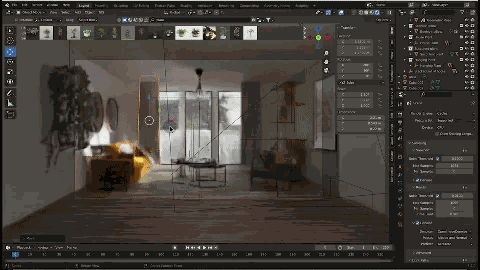
Bundle pricing
Or 3 x $99. Both courses bundled for less than the price of one.
- Interior ArchViz course (20+ videos)
- Exterior ArchViz course (11+ videos)
- Downloadable scenes, textures and HDRIs
- Red-thread apartment + house projects
- Personalized video corrections
- Email & WhatsApp support
- Lifetime access + future updates
- 30-day money-back guarantee
Two complete courses, one bundle
Interior ArchViz teaches you to design and render a fully furnished apartment. Exterior ArchViz teaches you to build a house with vegetation, sky and a cinematic outdoor render. You get both.
Course 1
Blender for Architecture - Interior
Import a floor plan, model an apartment from A to Z, build clean furniture, apply realistic PBR materials, light the scene and deliver a presentation-ready render.
- Import a floor plan and set the scale
- Model walls, openings, doors and windows
- Build clean furniture (cabinets, sofas, soft props)
- Use modifiers (Array, Solidify, Mirror, Bevel)
- Apply PBR materials with fast UVs
- Light interiors with HDRI and area lights
- Stage a 'catalog-style' camera and framing
- Render in Cycles and tune quality vs time
- Composite with Bloom, Glare and color passes
Course 2
Blender for Architecture - Exterior render
Model a house from a plan, add doors and windows, light with HDRI or Sky, scatter vegetation and grass, then produce a final photoreal image and a smooth flythrough video.
- Model a house from a plan
- Add windows and exterior details with BlenderKit
- Apply realistic outdoor materials
- Light with HDRI or Sky Texture
- Add vegetation and environment
- Scatter grass automatically (Gscatter / Geometry Nodes)
- Volumetric clouds with shader volumes
- Optimize photo and video renders
- Photoshop retouching pass
A peek inside the courses
A glimpse of the concrete skills you'll build, module after module.
Interior ArchViz
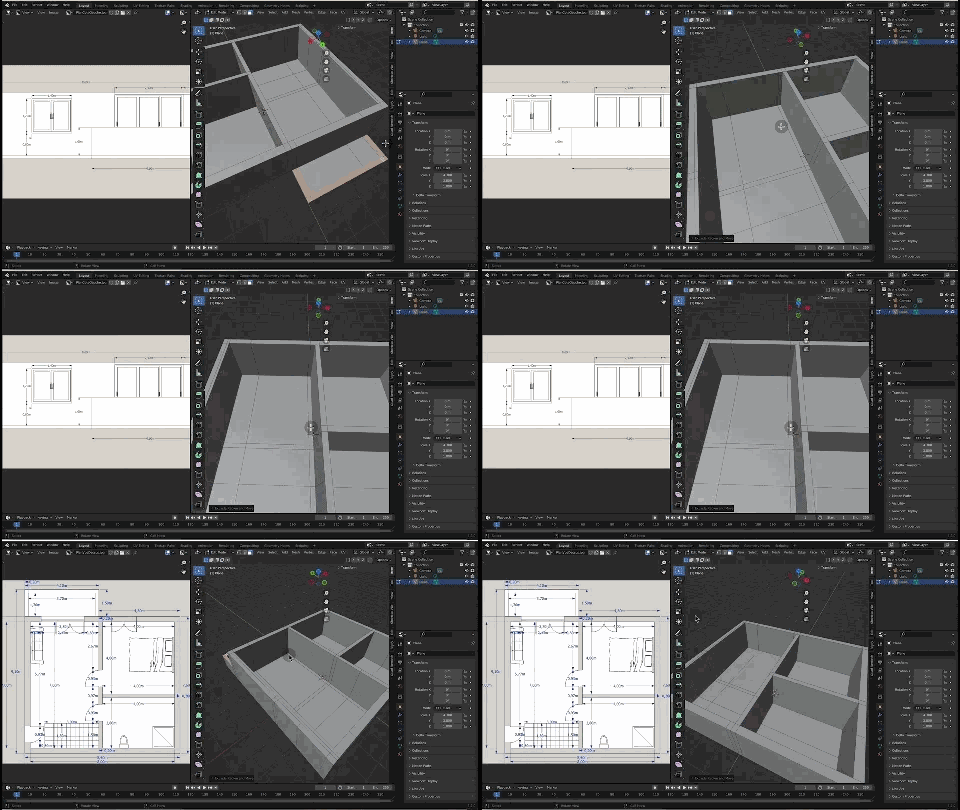
Import a plan & model the walls
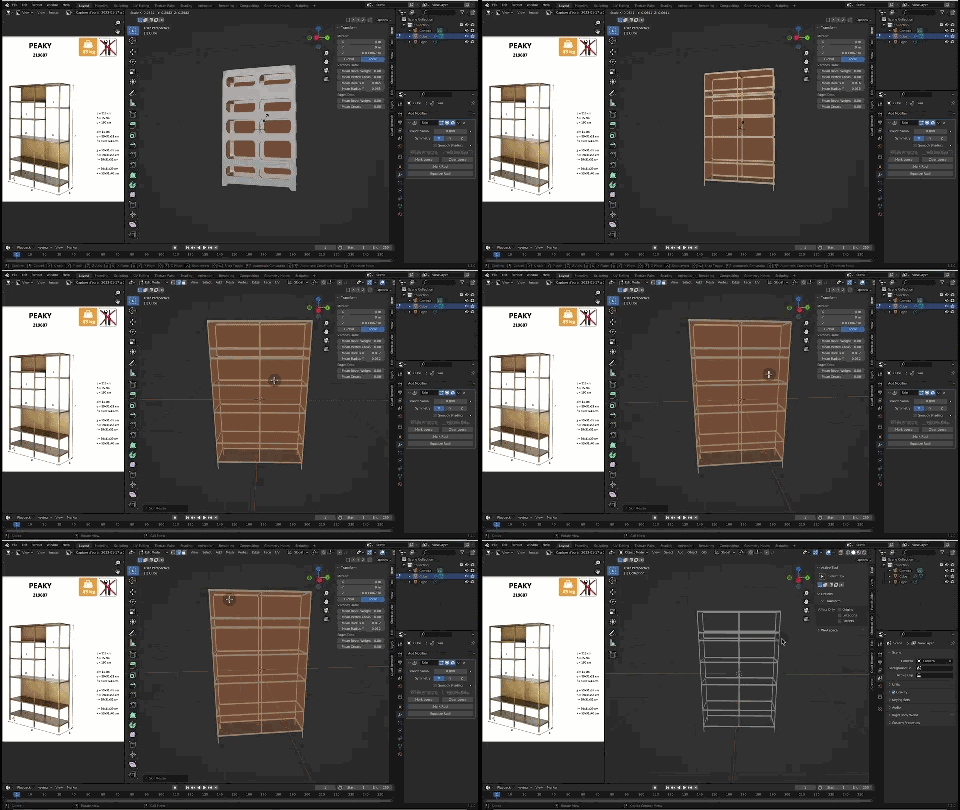
Modeling a wardrobe
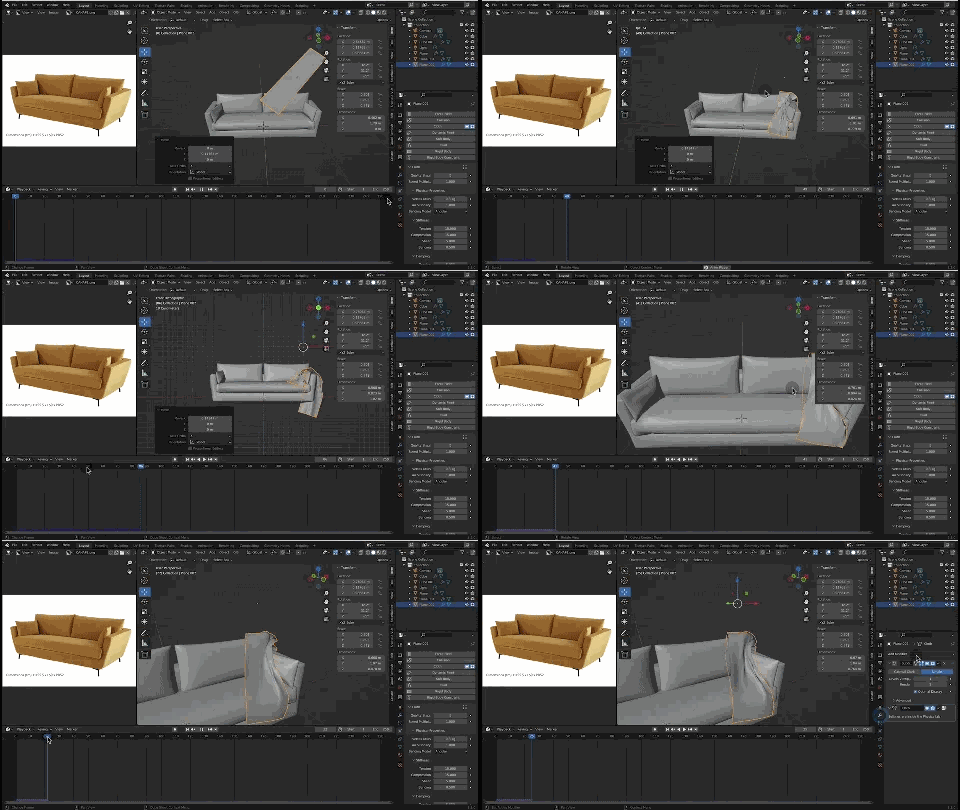
Modeling a sofa & soft props
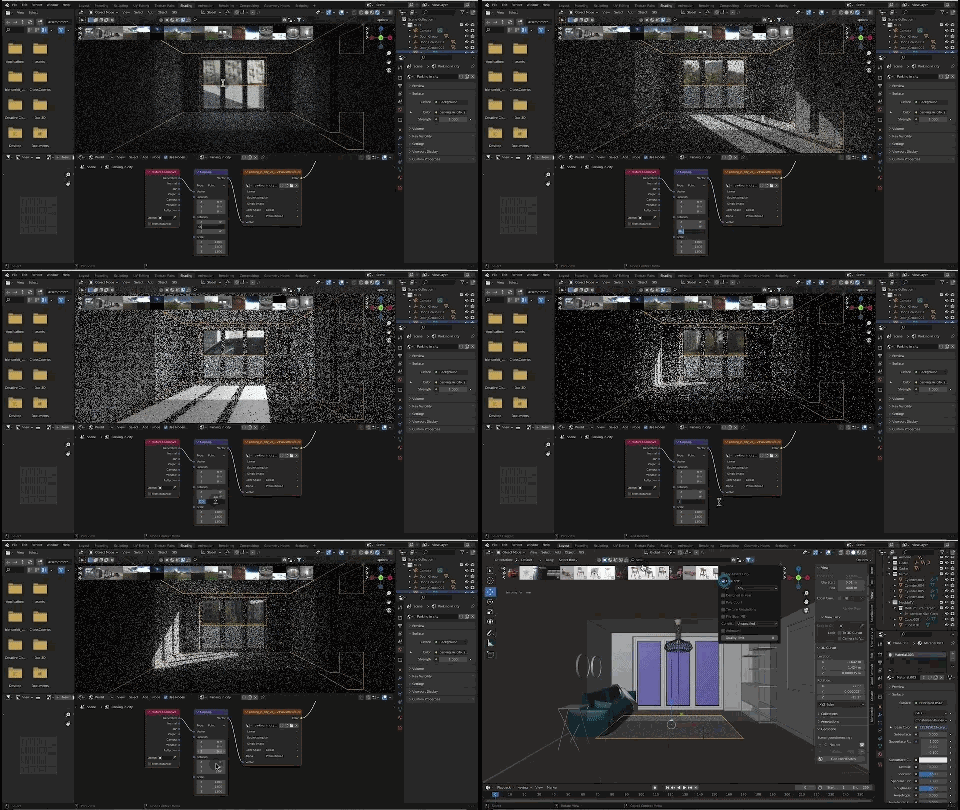
Cycles render & denoising
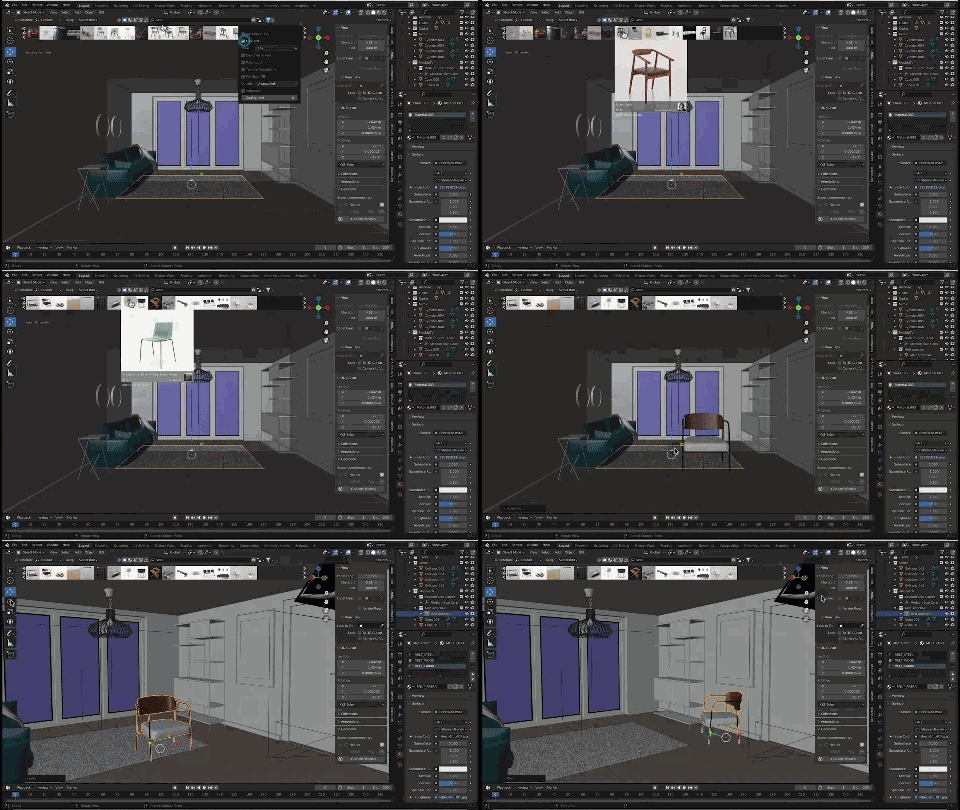
Interior lighting setup
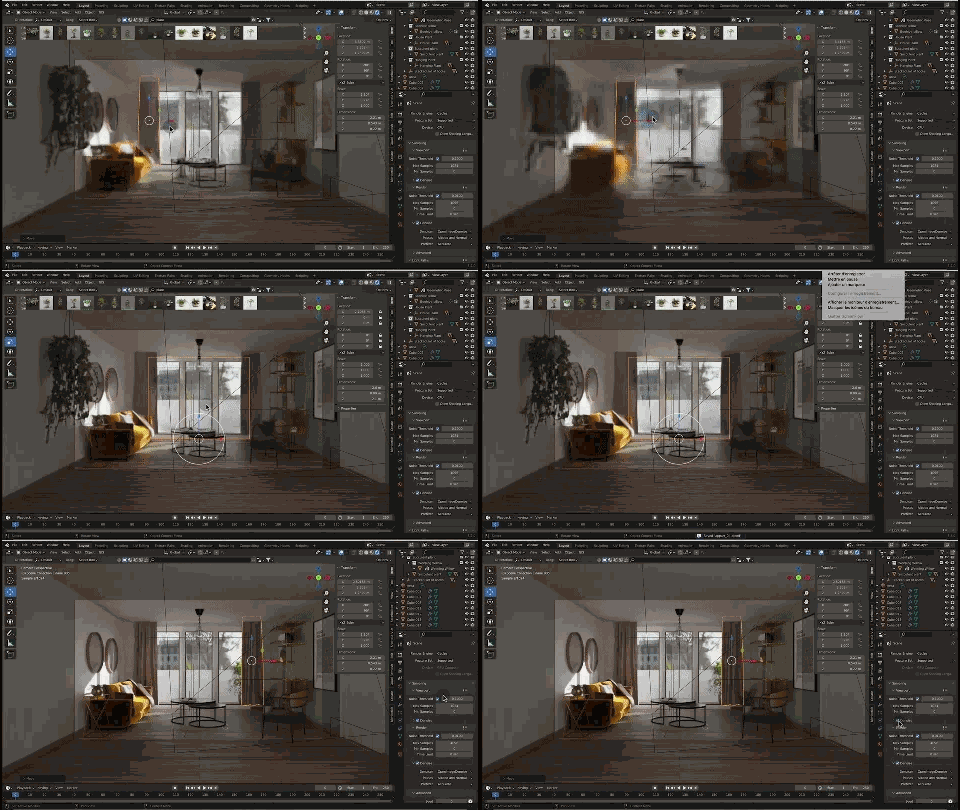
Final interior render
Exterior ArchViz
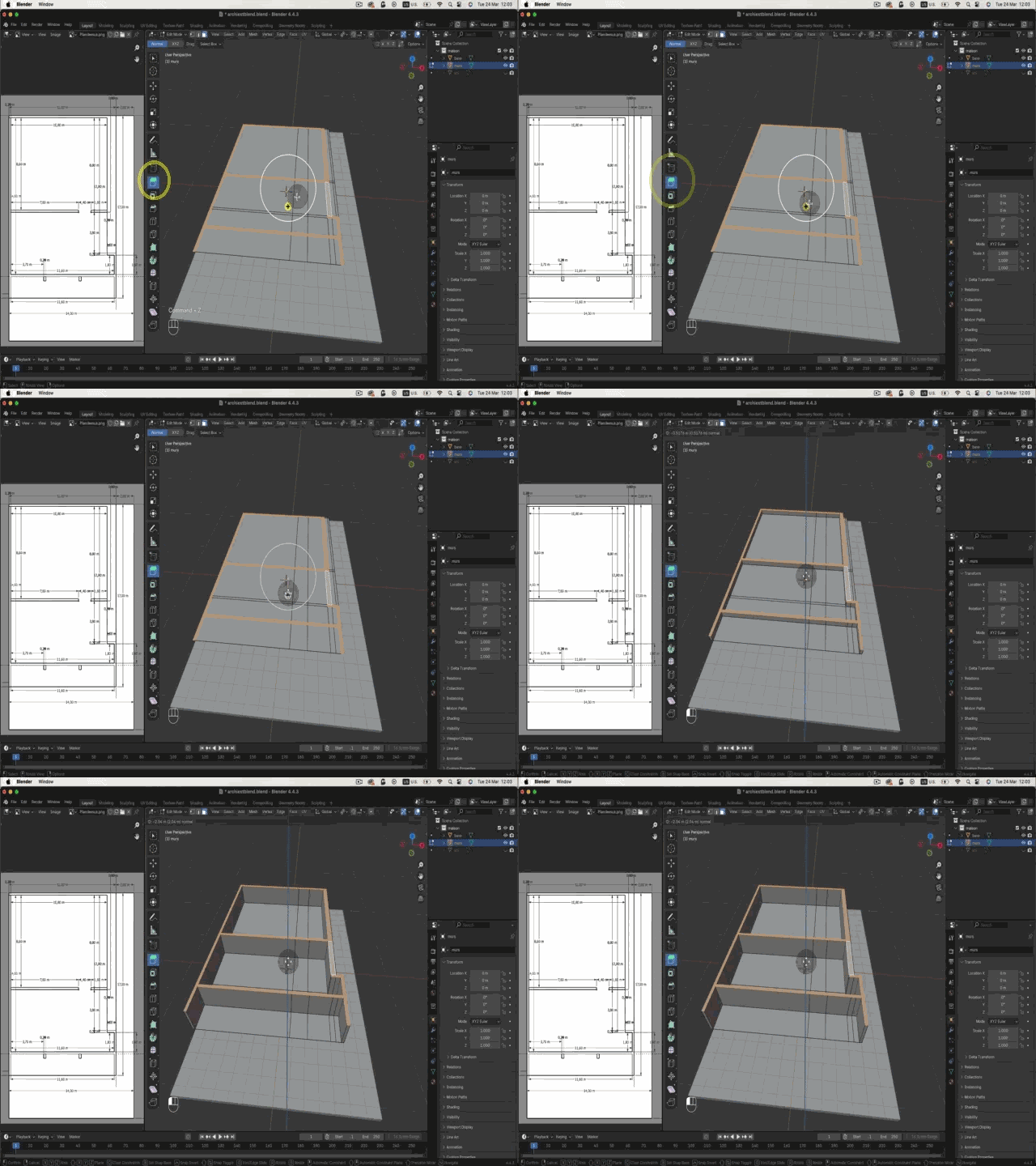
Model the house from a plan
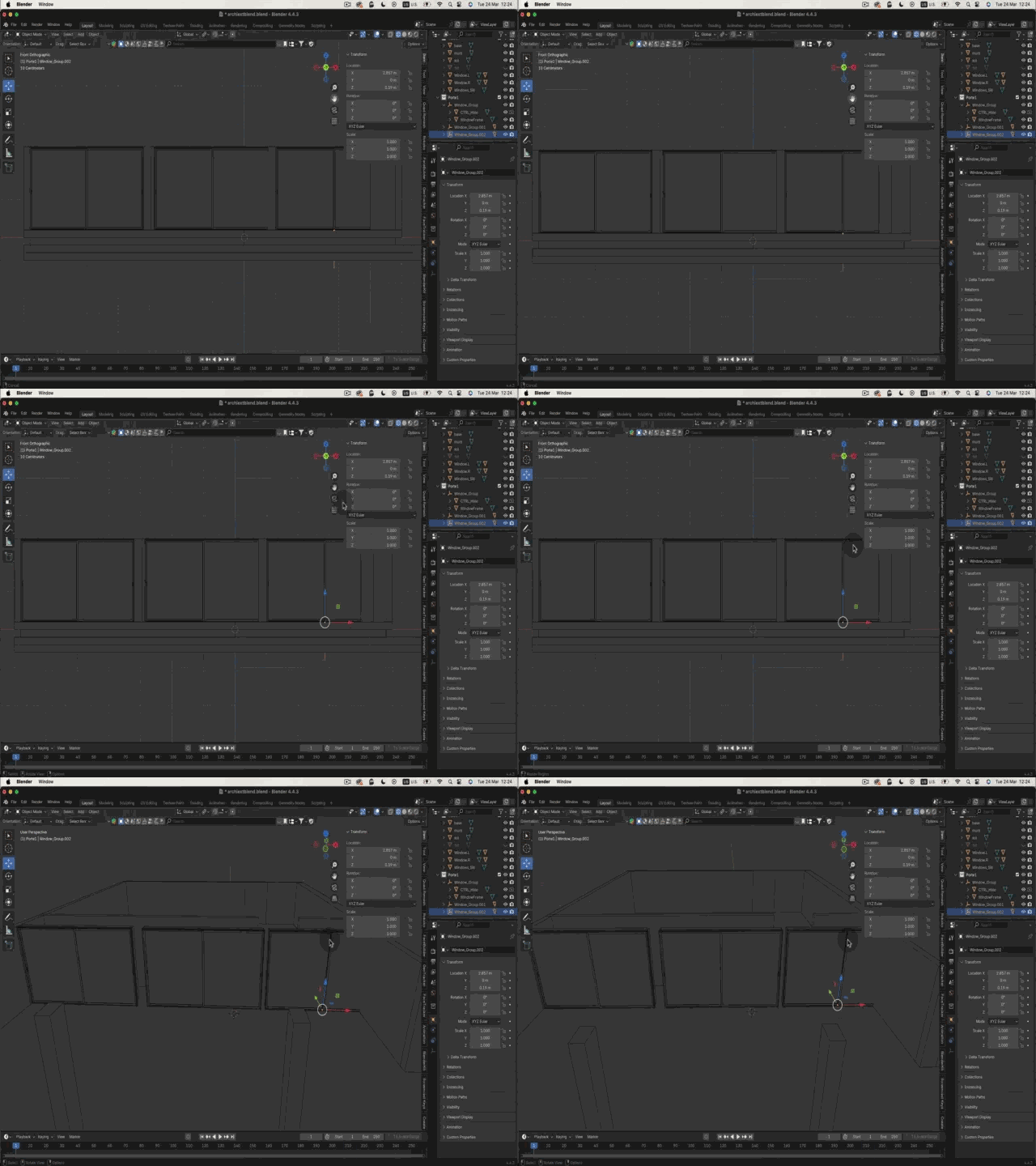
Doors & windows
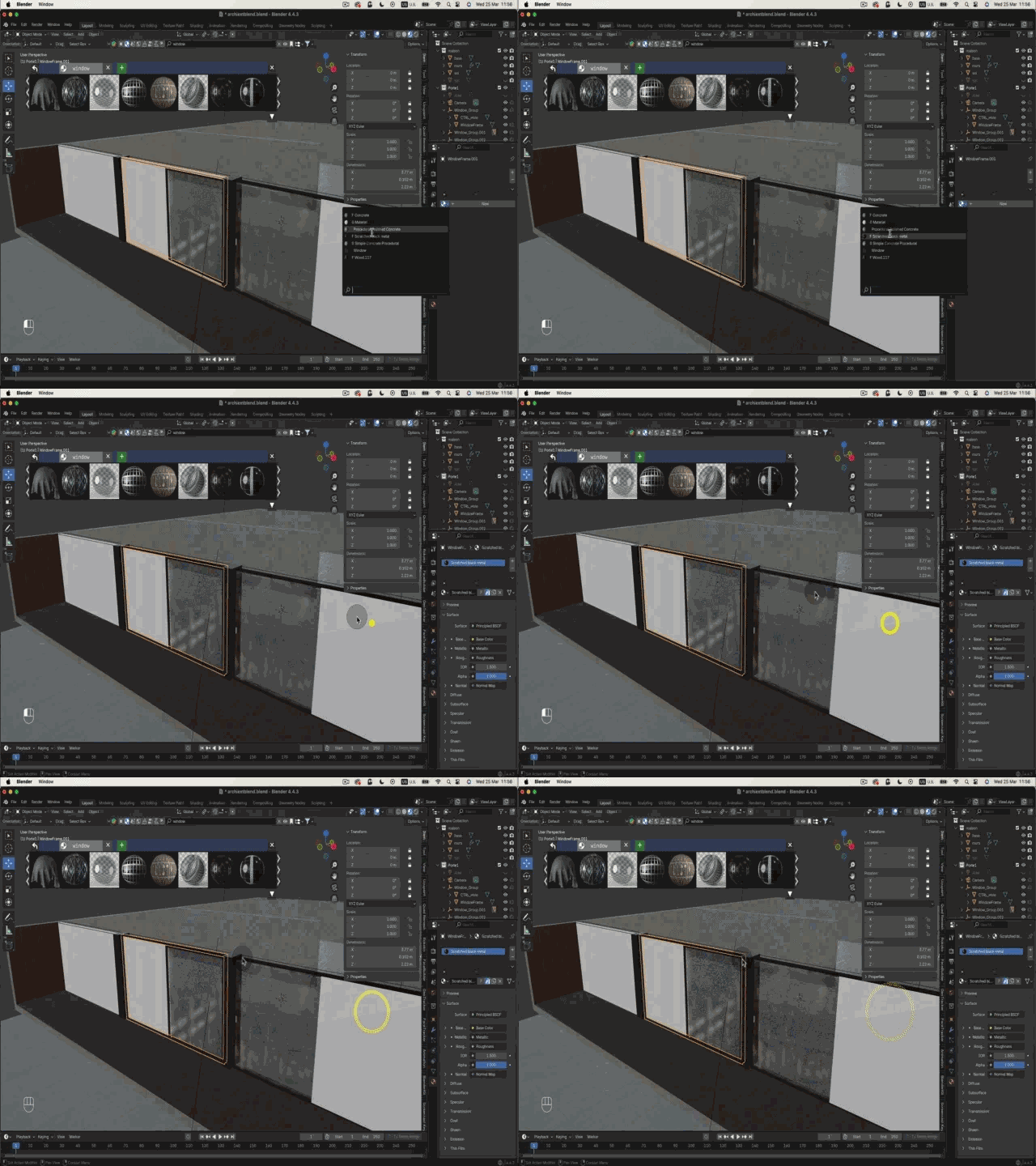
Realistic exterior materials
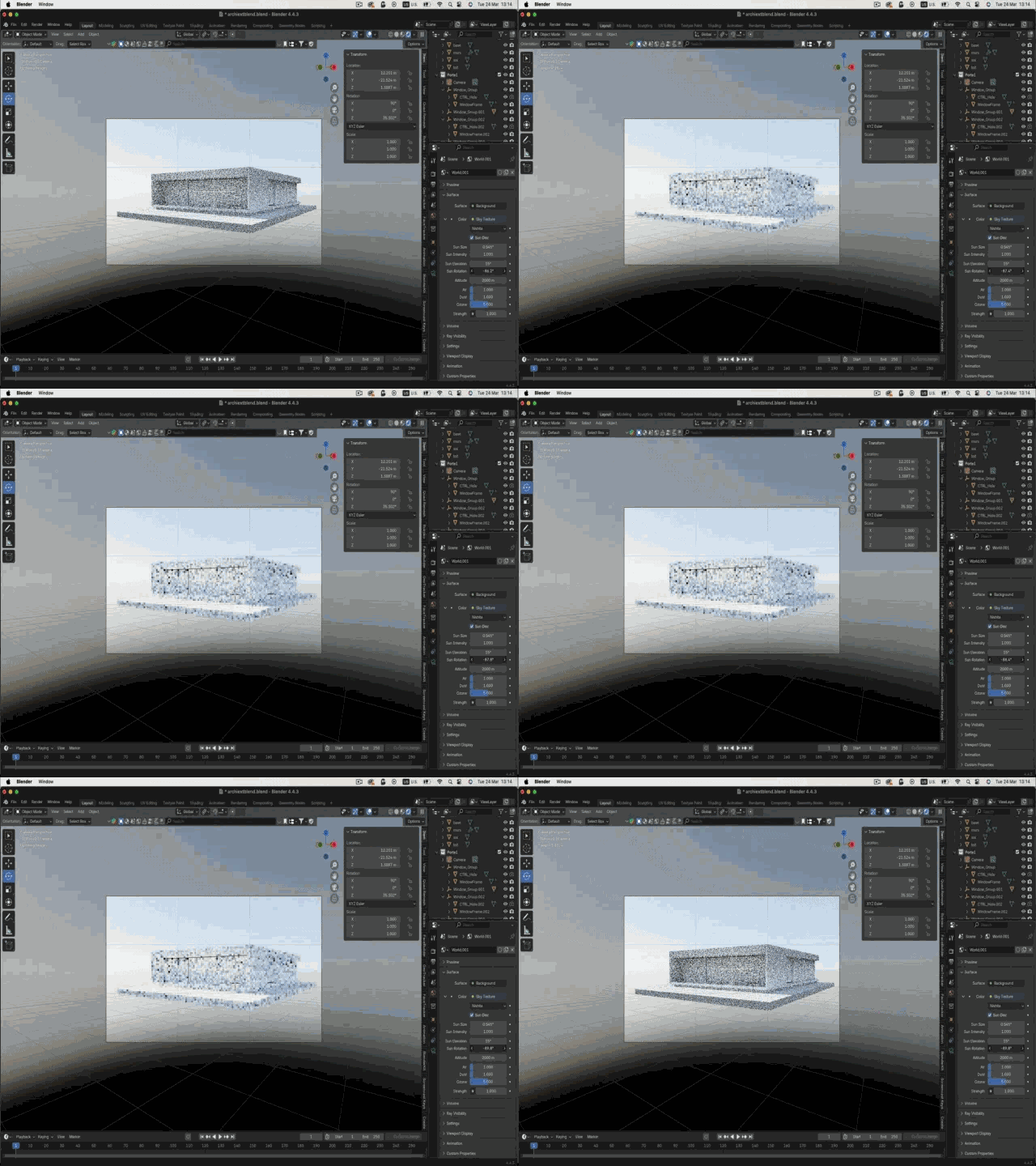
Sky Texture & HDRI lighting
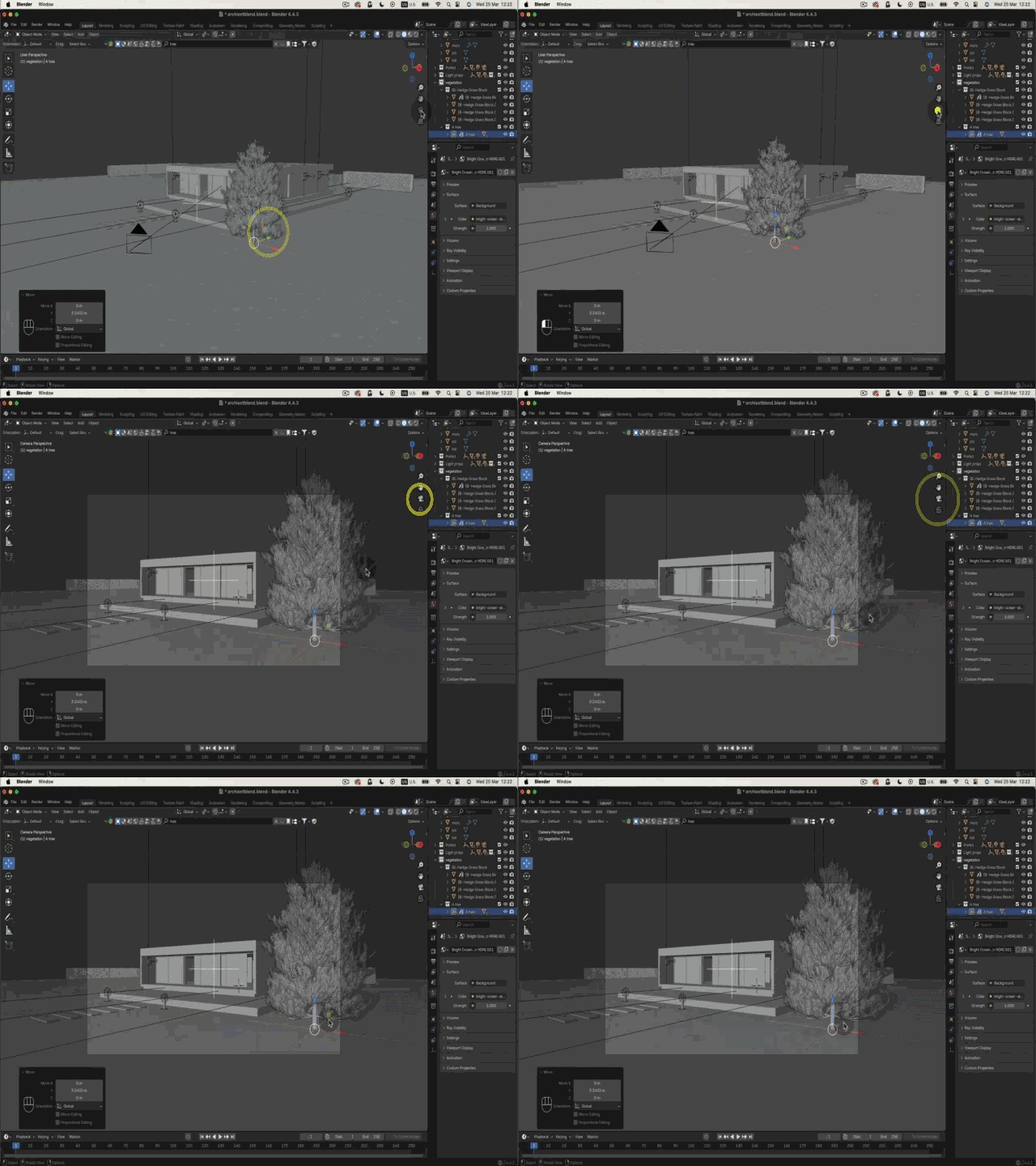
Place the vegetation
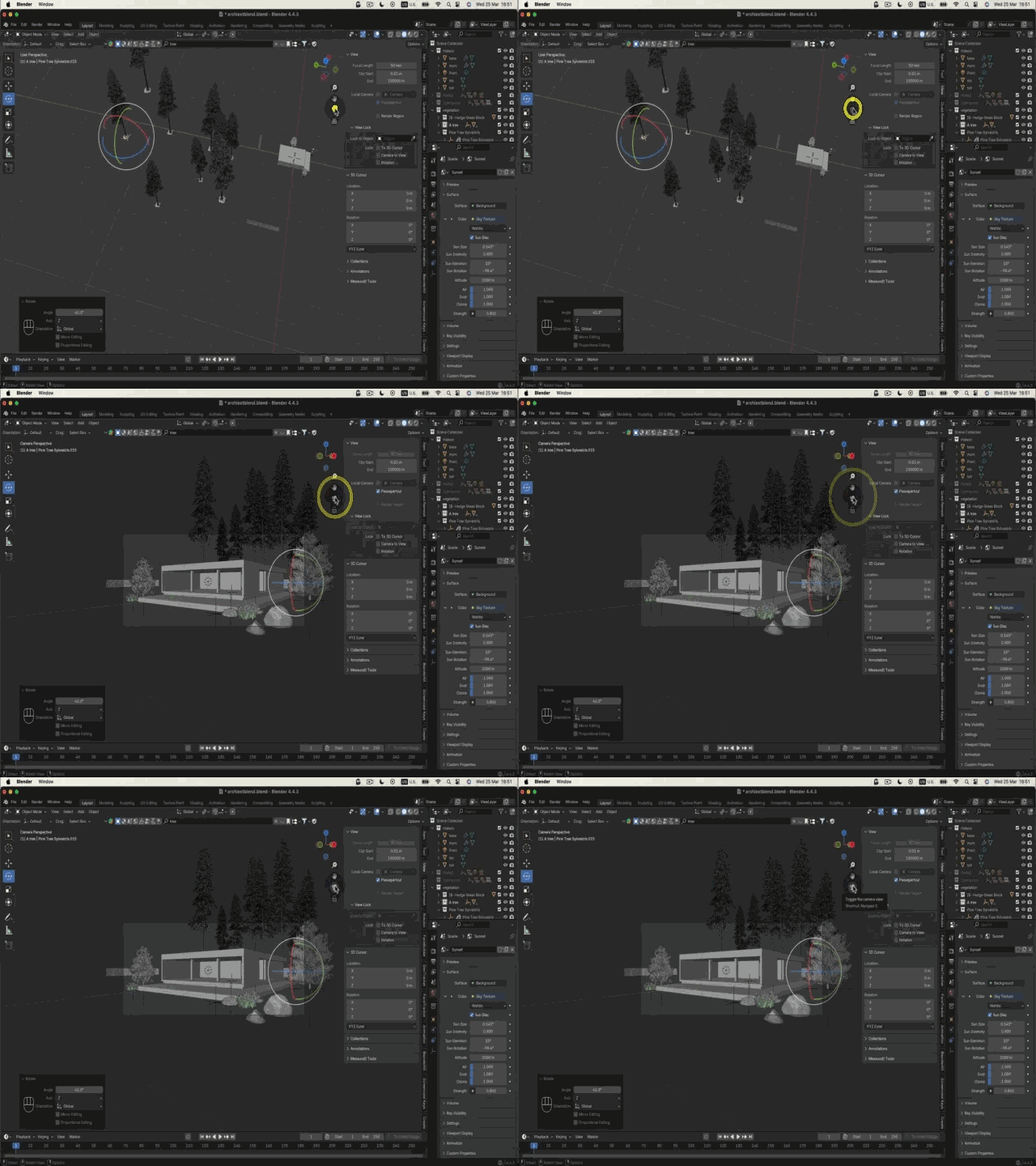
Position trees with Geometry Nodes
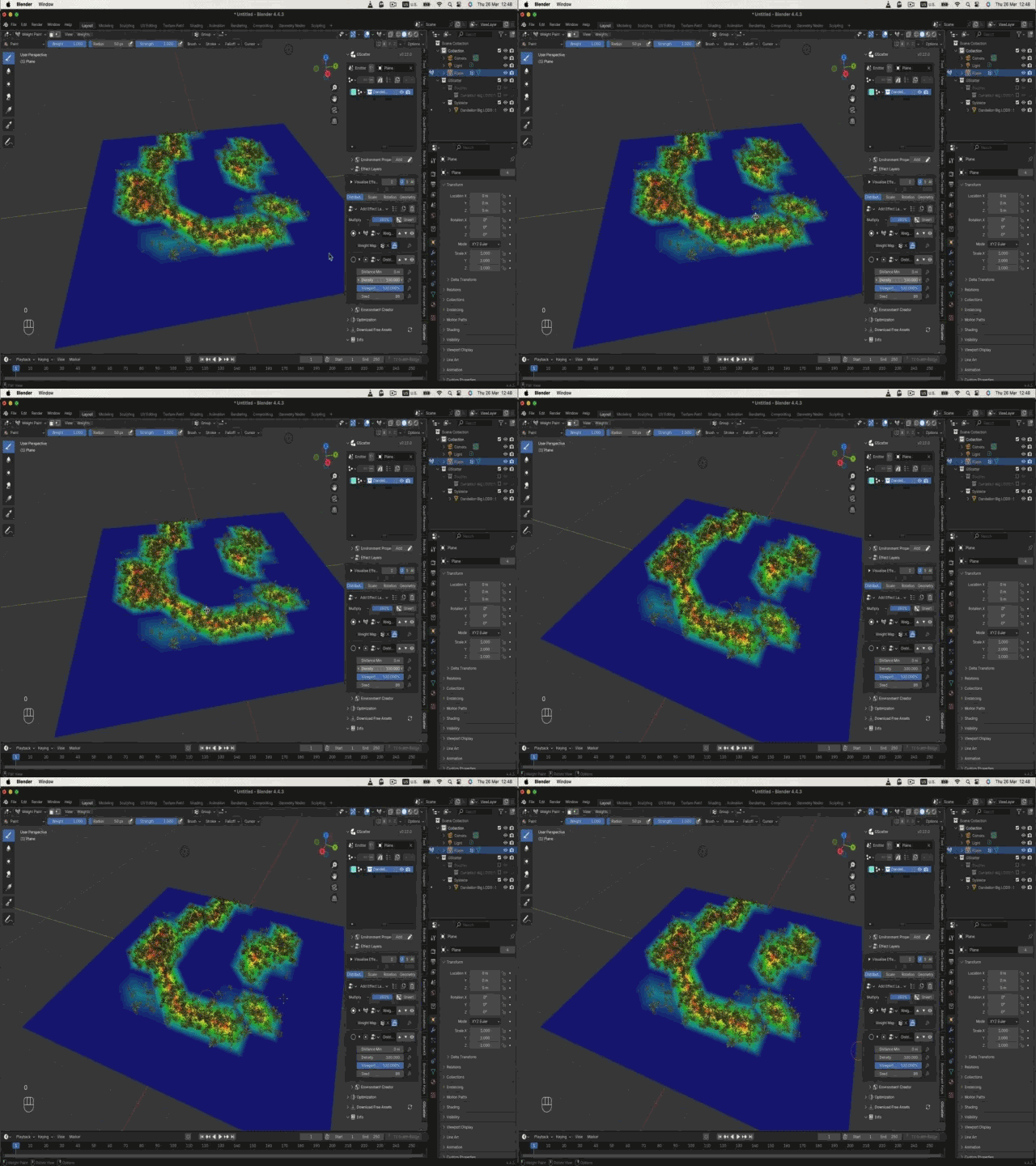
Scatter grass automatically
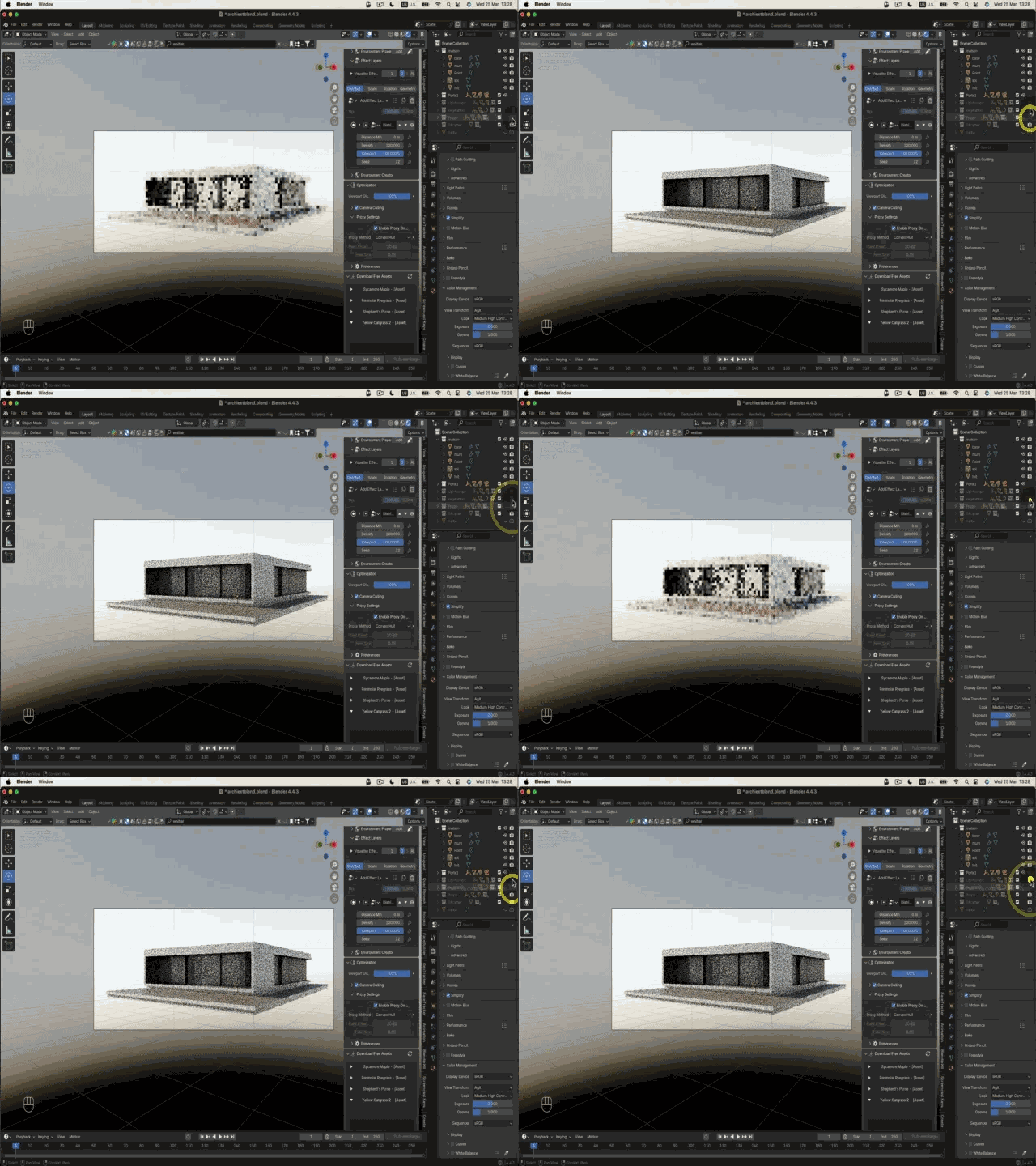
Optimize density & proxies
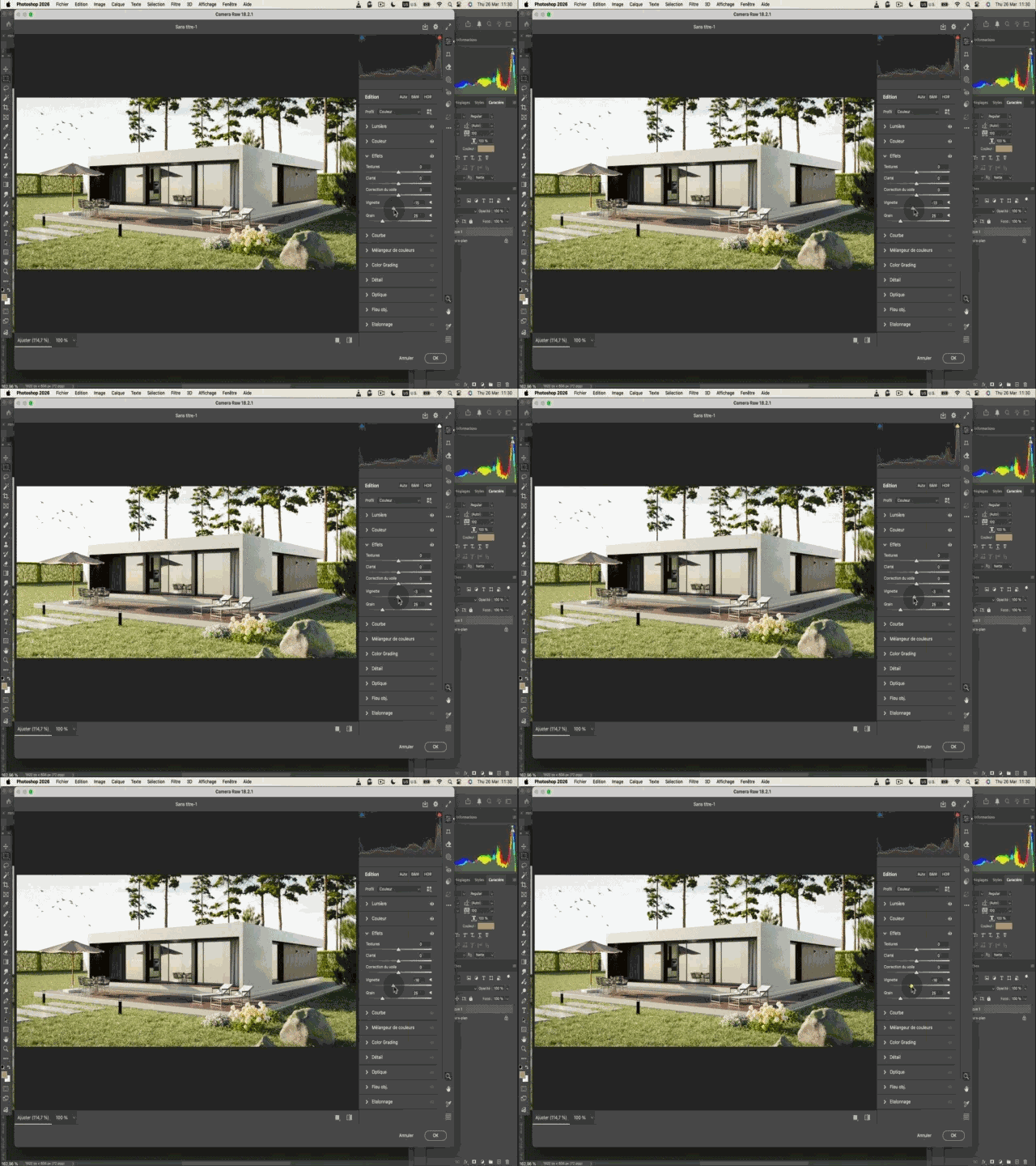
Photoshop retouching pass
About the bundle
What's waiting for me?
An architecture-focused dive into Blender. You import a plan, set the scale, model cleanly, apply credible materials, light and render. The progression includes exercises, two red-thread projects (apartment + house), quizzes, downloadable files, video corrections and email support so you never stay stuck.
Who is it for?
Architects, interior designers, decorators, scenographers, urban planners, students and SketchUp users who want to push further. No previous Blender experience required - we start from the basics with a method built around the craft.
How is it structured?
Short, concrete modules: clear videos, quizzes & exercises, downloadable files (scenes, textures, HDRIs), personalized corrections and email follow-up. Learn at your own pace from your student dashboard.
Why Blender for ArchViz
Blender is no longer just a free tool. It is a modern standard, adopted by studios, indie artists and agencies. For architecture it lets you go beyond the limits of "block" software, handle complex shapes and get high-end renders without paying for a render engine.
You'll learn a method directly applicable to your projects: clean topology, right material, controlled light, convincing render. You'll save a huge amount of time and avoid the trap of scattered YouTube tutorials.
30-day money-back guarantee
If the bundle is not for you, ask for a full refund within 30 days. No questions, no justification needed.
Who's teaching you?
I'm Timothée Meyrieux Parreño, a French 3D artist. I work for large brands like Leroy Merlin, Cetelem, Orange and RATP, producing complex 3D models, and on smaller but far more artistic projects for museums, films and comics.
I have taught at film schools, architecture schools (Studio des Arts Déco), design schools (MJM School of Design) and in professional film training centers like Court ON.
7,340 students have already taken my online courses with an average rating of 4.8 / 5. My YouTube channel has 28,000 subscribers.
Full curriculum
31 videos across two complete courses - total runtime: 8h50.
Interior ArchViz - 20 videos (6h25)
Exterior ArchViz - 11 videos (2h25)
This course isn't for everyone.
If you cannot dedicate one to two hours per week to the course, please skip it. Ideally you should watch around two hours of video per week and practice on your own for one to three more.
There is no magic recipe.
If you buy the course but never do the work, you won't get anywhere. I have no long-term interest in selling you a course you don't actually use - my goal is for you to be proud of what you build.
Join the waitlist - enrollment closed
Interior + Exterior ArchViz bundled. Lifetime access.
Join the waitlist - enrollment closedWaitlist
Enrollment is currently closed
Blender for Architecture (Interior + Exterior) is closed to new students. Join the waitlist to be notified first when we reopen.
Blender for Architecture (Interior + Exterior)
For more
Keep going - recommended Blender courses
Frequently asked questions
Which version of Blender do I need?+
You can follow the course on Blender 4.0, 4.2 and above. It was recorded on version 4.4.
Can I follow the course on Windows?+
Yes. The course was recorded on Mac but is fully compatible with both Mac and Windows.
Is this two separate courses or one bundle?+
It's a bundle. You get both the Interior ArchViz course (apartment project) and the Exterior ArchViz course (house with vegetation, grass and sky) for a single price.
Do I have to finish it on a fixed schedule?+
No. You can start whenever you want and take as long as you need. Lifetime access is included.
Will I get support during the course?+
Yes. You get my email and WhatsApp so you can ask questions whenever you get stuck.
Do I need any technical background?+
No prior 3D knowledge required. We start from the basics with a pedagogy built for architects, designers and SketchUp users wanting to go further.
How much time per week do I need?+
Around 2 hours of video per week plus 1 to 3 hours of personal practice is the sweet spot.
Do I get access immediately?+
Yes. You receive every video at once, just a couple of minutes after purchase.
Still have questions? Send me an email.
apprendreblender@gmail.com