Complete character workflow
Create your first 3D character in Blender.
A complete method to sculpt, retopologize, texture and rig a character from A to Z. From blocking to a pose-ready, portfolio-worthy 3D character.
Pricing
Payment in 1, 3 or 10 installments available.
- 10h25 of step-by-step video
- 22 lessons across 6 modules
- All downloadable Blender scene files
- Sculpting, retopology, UV, texturing and rigging
- Character based on Super Bernard comic
- Email + WhatsApp support
- Lifetime access + future updates
- 30-day money-back guarantee
Who is this course for?
- Motivated beginners who want a complete character project
- 3D artists looking to master the full character pipeline
- Illustrators and game devs wanting original characters
- Animators who need clean, rigged characters
- Comic artists exploring 3D for their stories
- Anyone who wants to build a portfolio with a hero character
Why learn 3D character creation?
Character artists are everywhere: video games, animation, films, 3D printing, virtual worlds and NFTs. Being able to create a character from scratch is one of the most valuable and versatile skills in the 3D industry.
This course gives you a proven pipeline: block, sculpt, clean, paint, rig and pose. You finish with a complete, production-ready character and a deep understanding of every step.
30-day money-back guarantee
If the course is not for you, ask for a full refund within 30 days. No questions, no justification needed.
What you'll be able to do
Each module unlocks a concrete skill. By the end you'll have built, textured and rigged a complete 3D character from A to Z.
Who's teaching you?
I'm Timothée Meyrieux Parreño, a French 3D artist and trainer. I work for large brands like Leroy Merlin, Cetelem, Orange and RATP, producing complex 3D models, and on smaller artistic projects for museums, films and comics.
I'm also the author of the comic "Super Bernard" and now "Broom". The character you'll build in this course is inspired by the same workflow I use to create characters for my own books and client projects.
7,340 students have already taken my online courses with an average rating of 4.8 / 5. My YouTube channel has 28,000+ subscribers.
What you'll create, step by step
A look inside the course: every step of the character pipeline, from blocking to a fully rigged 3D character.
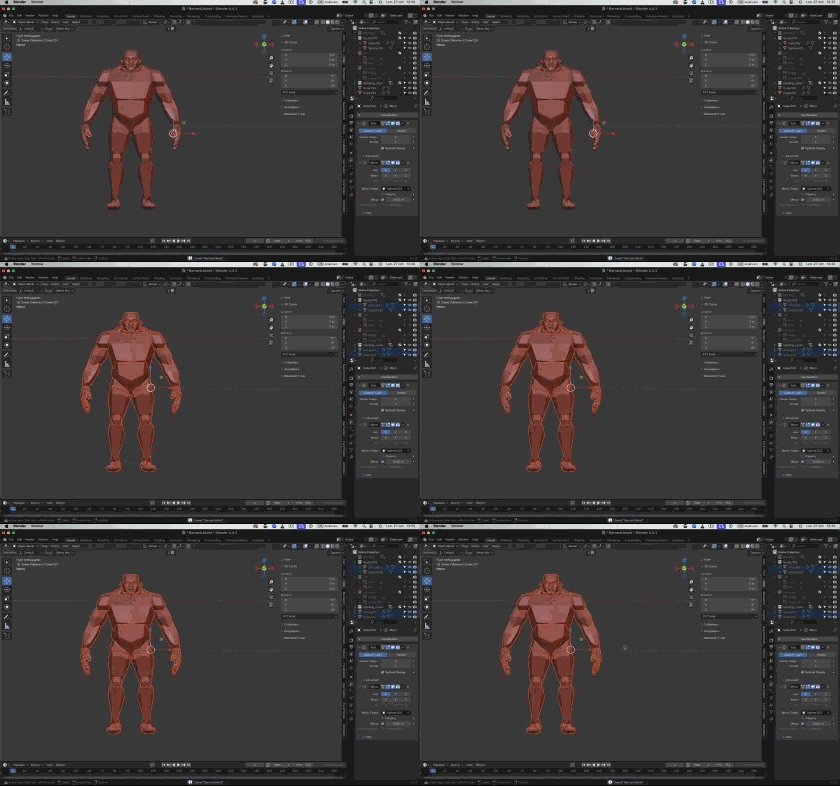
Build the character silhouette with simple shapes and proportions.
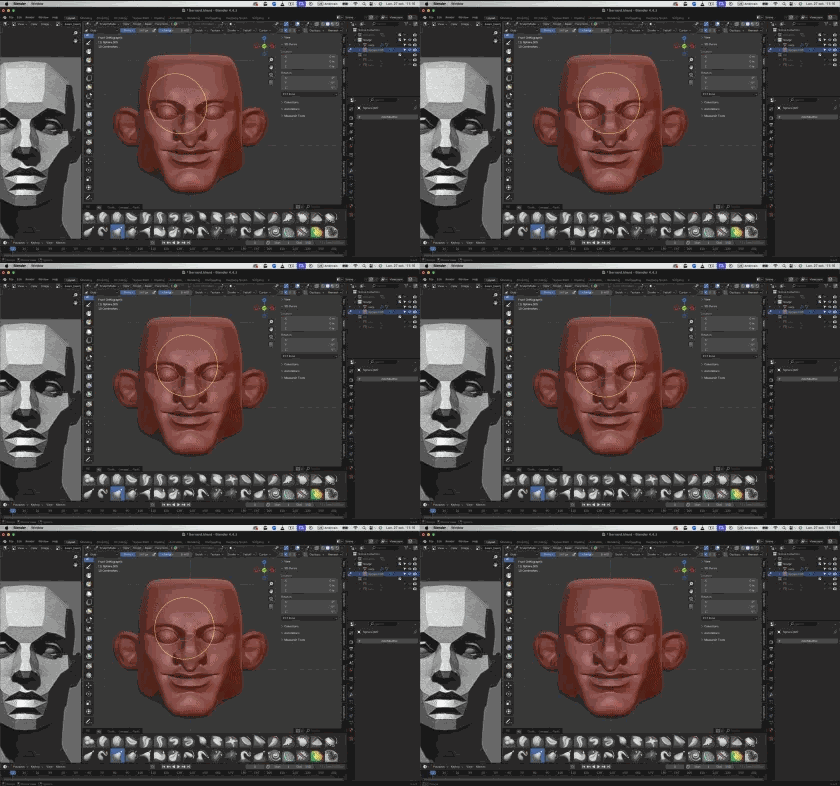
Sculpt anatomy, head and face details with the right brushes.
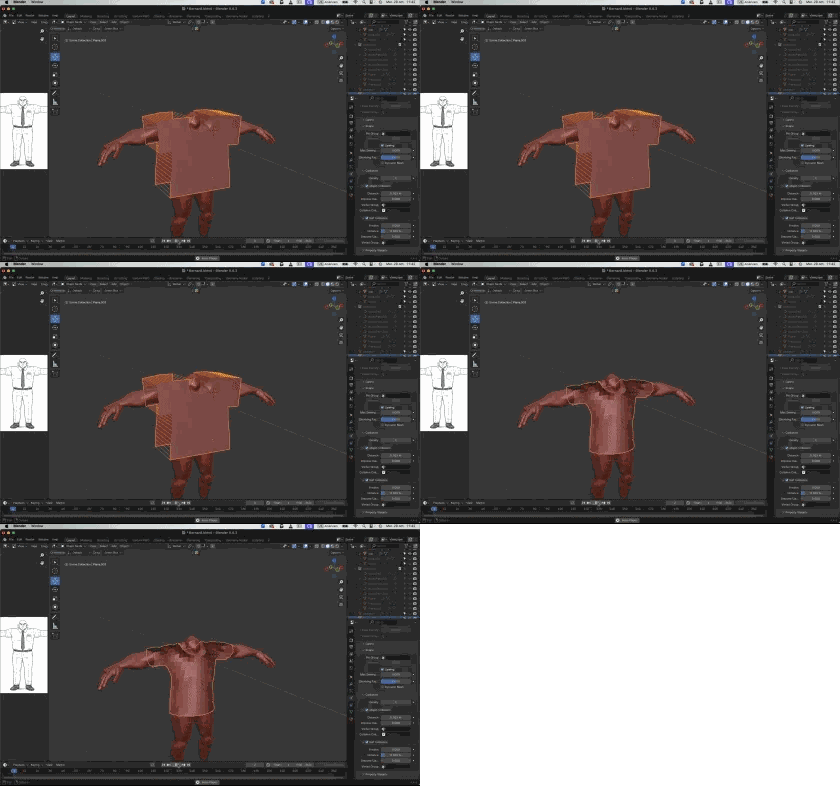
Create clothes and accessories that fit the body cleanly.
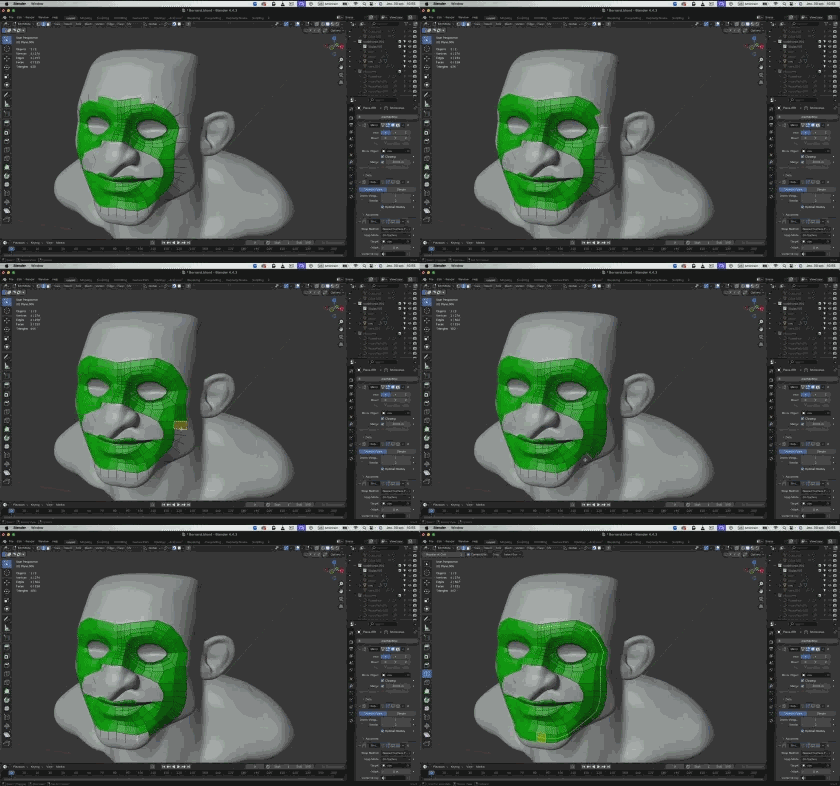
Rebuild a clean, animation-ready mesh by hand or with QuadRemesher.
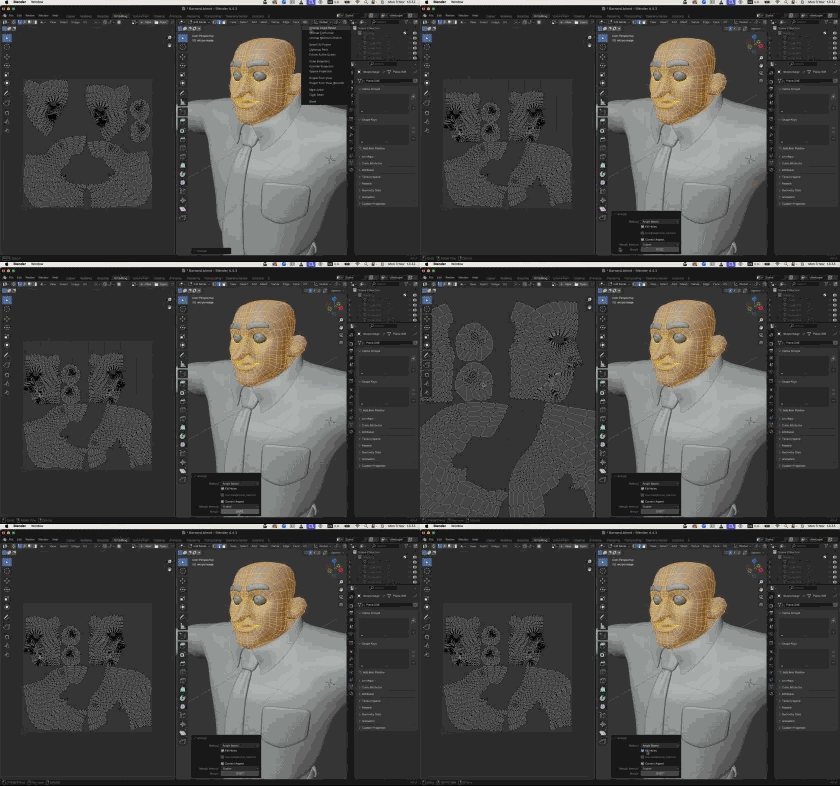
Unwrap and organize UV islands for clean texturing.
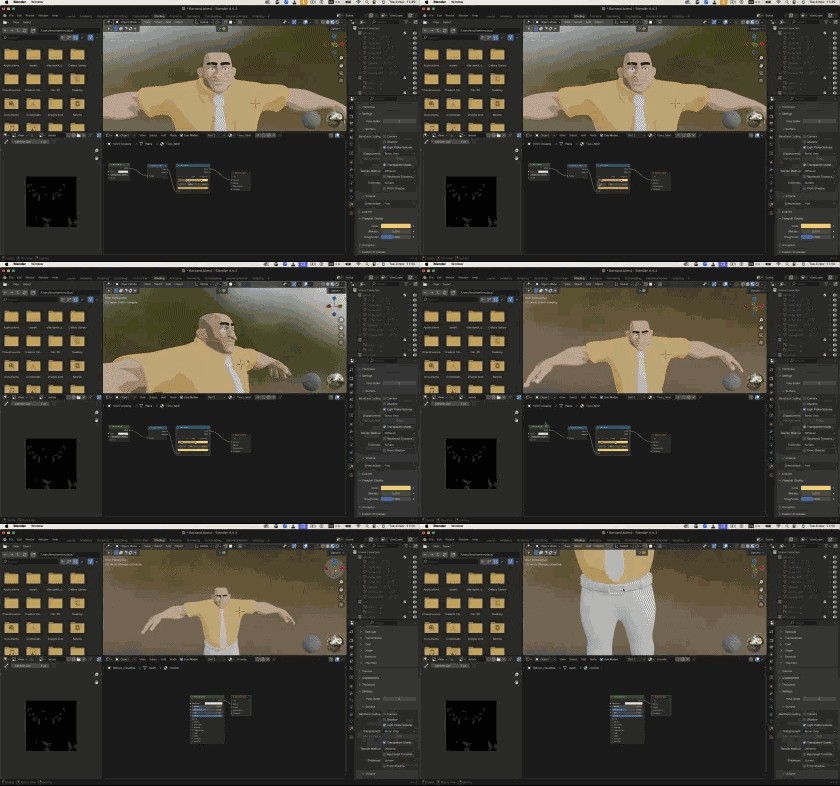
Paint textures and build stylized or realistic shaders.
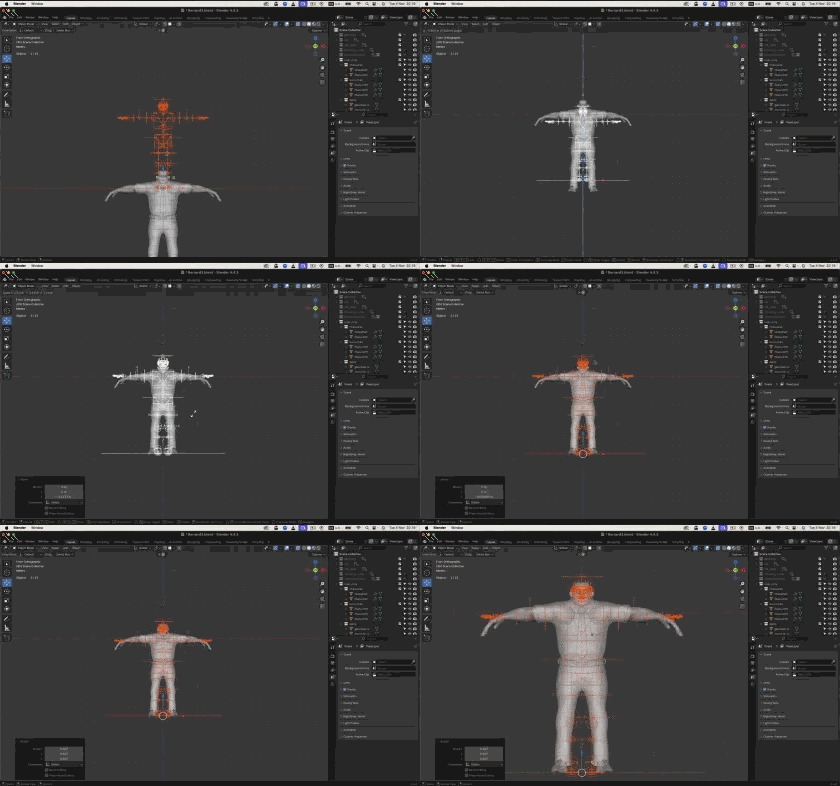
Build a functional body rig with Rig Creator.
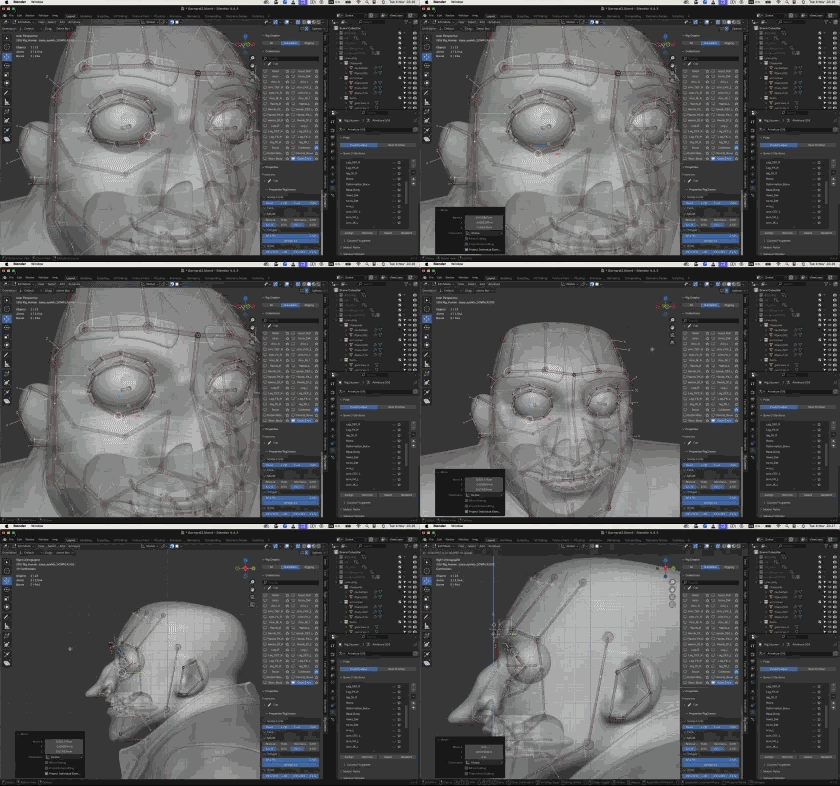
Add a facial rig for expressions and lip-sync.
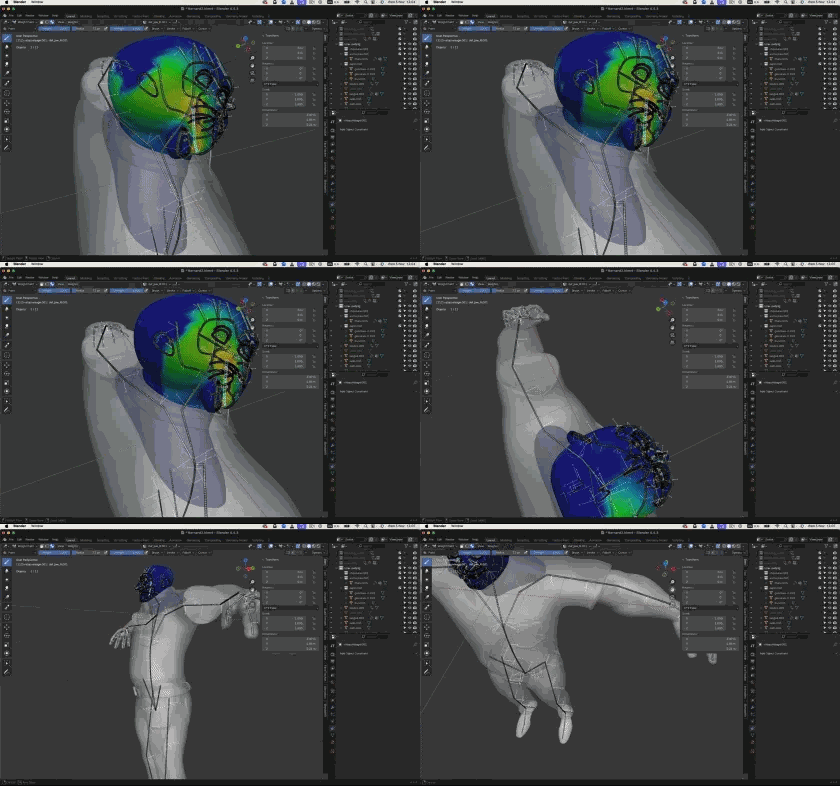
Paint weights and fix deformations for a clean pose.
Course curriculum
22 lessons across the full 3D character creation journey. Total runtime: 10h25.
This course isn't for everyone.
Character creation is a rewarding but demanding skill. If you can't dedicate one to two hours per week to the exercises, skip this course. Watching videos isn't enough - you need to sculpt, retopologize, paint and rig by yourself.
There is no magic recipe.
My goal is for you to be proud of what you build, not for you to buy a course you never open.
Join the waitlist - enrollment closed
Payment in 1, 3 or 10 installments available.
Join the waitlist - enrollment closedWaitlist
Enrollment is currently closed
Character Creation in Blender is closed to new students. Join the waitlist to be notified first when we reopen.
Character Creation in Blender
For more
Keep going - recommended Blender courses
Frequently asked questions
Which version of Blender do I need?+
Blender 4.0, 4.2 and above. The course was recorded on Blender 4.4 and works on every modern version.
Do I need to know how to draw?+
No. The course uses a step-by-step method that works even if you have no drawing background. Motivation is the only prerequisite.
Do I need to know Blender already?+
A beginner level is recommended. The course is aimed at motivated beginners and advanced beginners who want to tackle a complete character project.
Mac or Windows?+
Both. Recorded on Mac, fully compatible with Windows and Linux.
Are the add-ons free?+
Yes. I only use free add-ons, including Rig Creator for the rigging module. No paid plugins required.
Is there support if I get stuck?+
Yes. You get my personal email and WhatsApp to ask questions and receive personalized answers.
How long do I have access?+
Lifetime access, including all future updates. Watch on phone, tablet or computer.
Is there a money-back guarantee?+
Yes - 30 days, no questions asked, no justification required.
How much time per week should I invest?+
Ideally 2 hours of video per week plus 1 to 3 hours of personal practice. The course totals 10h25 of video, but the personal work is what makes the difference.
Still have questions? Send me an email.
apprendreblender@gmail.com